CRM / Client & Project Management
Nexora CRM
Connect. Manage. Grow.
Client relationships, project delivery and getting paid — the full service-business cycle in one CRM.
- Live in production
- 21 documented features across 5 areas
- White-label in 4–8 weeks
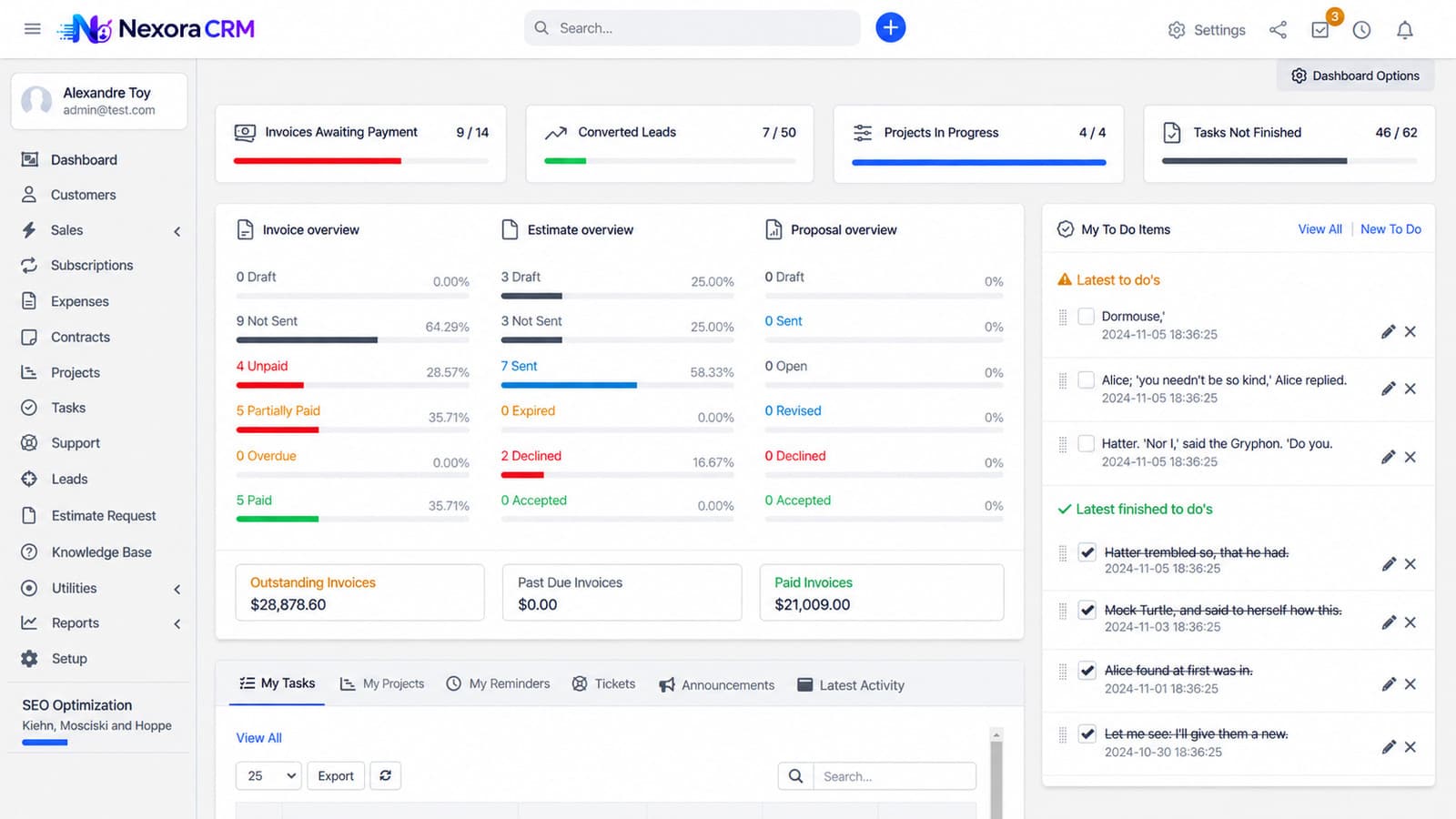

Overview
Nexora CRM is built for companies that sell work rather than products.
Most CRMs stop at the sale. This one keeps going: projects carry Gantt charts and timesheets, contracts carry expiry reminders, support tickets arrive by email and attach to the client record, and recurring invoices and expenses bill themselves on schedule. The pipeline, the delivery and the invoice are one continuous record.
The client portal is what changes the day-to-day. Customers log in to see their own invoices, estimates, projects and tickets, which removes a large share of the status-chasing email that service businesses drown in — and gives account managers their time back.
- Winning work
- Delivering work
- Getting paid
- Supporting clients
- Running the firm
What's inside
21 features across 5 areas
Deploy the whole platform, or start with the areas that hurt most. They share one data model, so nothing needs reconciling later.
Winning work
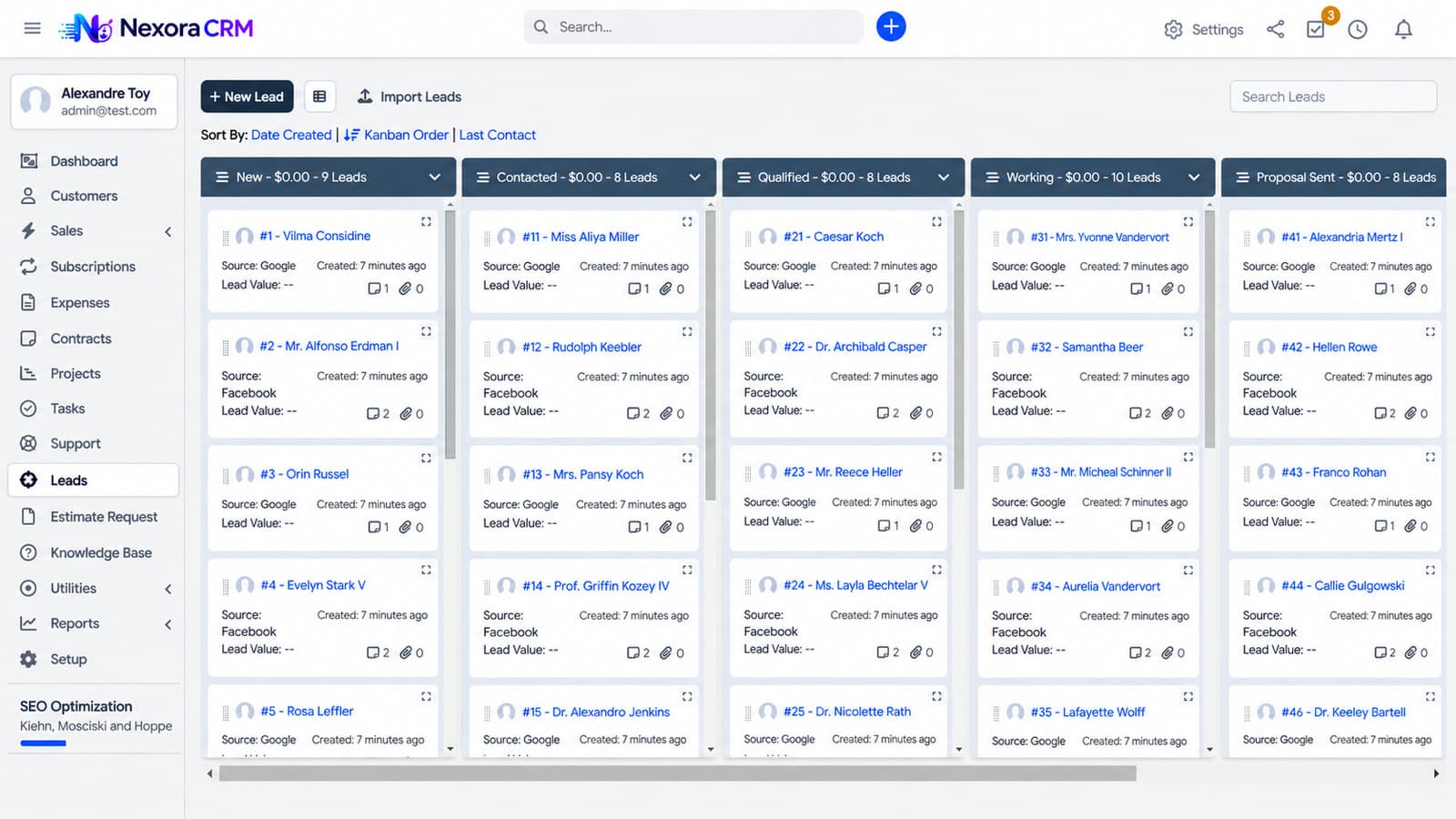
- Lead pipeline with drag-and-drop stages
- Web-to-lead forms for landing pages and websites
- Proposals with acceptance notifications
- Estimates that convert to invoices automatically
Delivering work
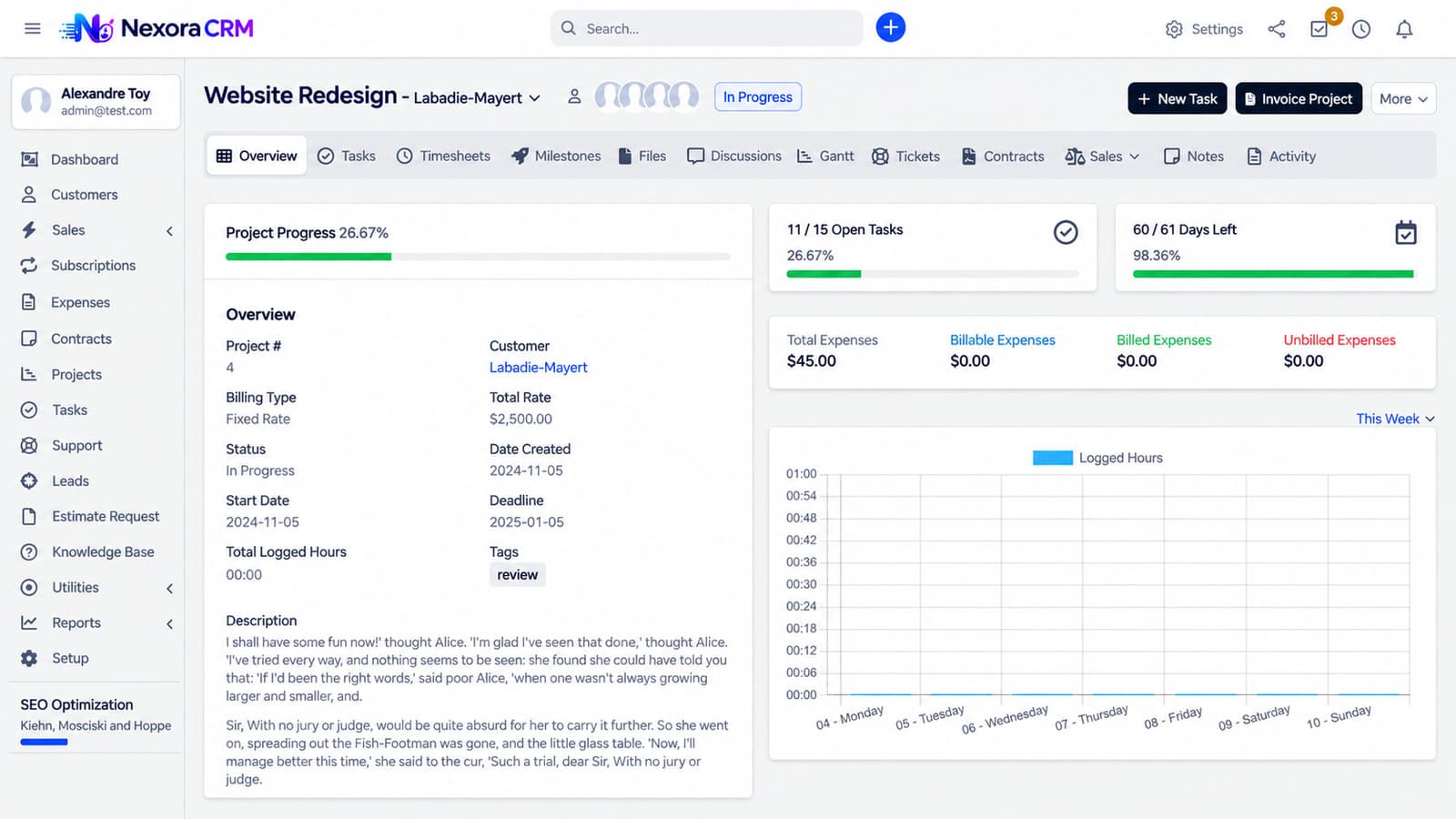
- Projects with milestones, Gantt charts and time tracking
- Tasks with multiple assignees, followers and comments
- Contracts with expiration reminders
- Staff time tracking and goals
Getting paid
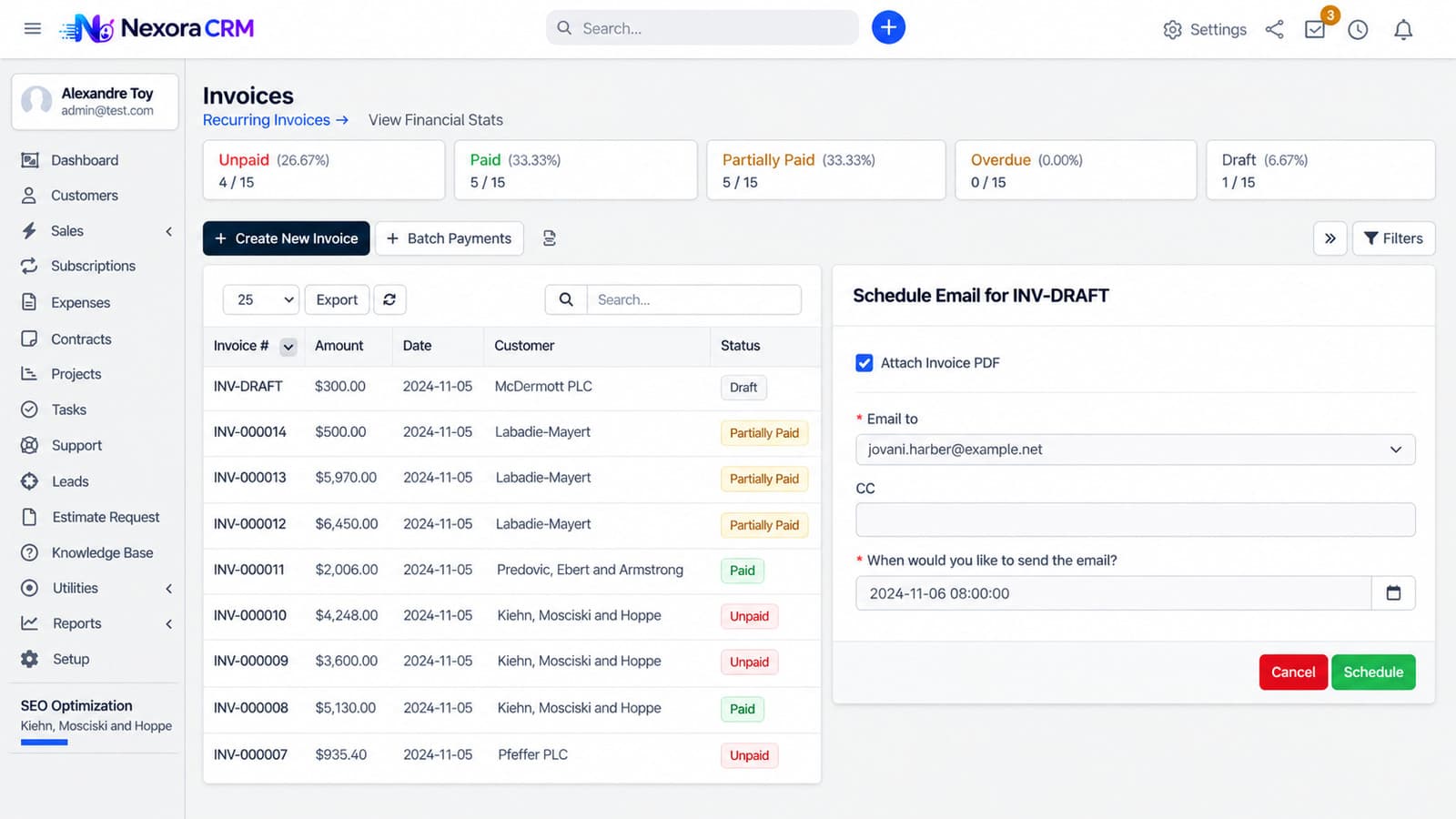
- Multi-currency invoicing with item-level tax
- Recurring invoices on configurable schedules
- Expense tracking, including recurring expenses billed on to clients
- Payment gateways: PayPal, Stripe, Mollie, Authorize.net, 2Checkout, PayU Money, Braintree
Supporting clients
- Support tickets auto-imported from email
- Knowledge base with usefulness voting
- Customer surveys
- Client portal for invoices, projects and tickets
Running the firm
- Reports on sales, expenses and conversions
- Custom fields across entities; email templates with merge fields
- Role-based permissions and activity logging
- Events calendar, company newsfeed and media library
- Theme customisation without code
How it works
Built around what people actually do all day
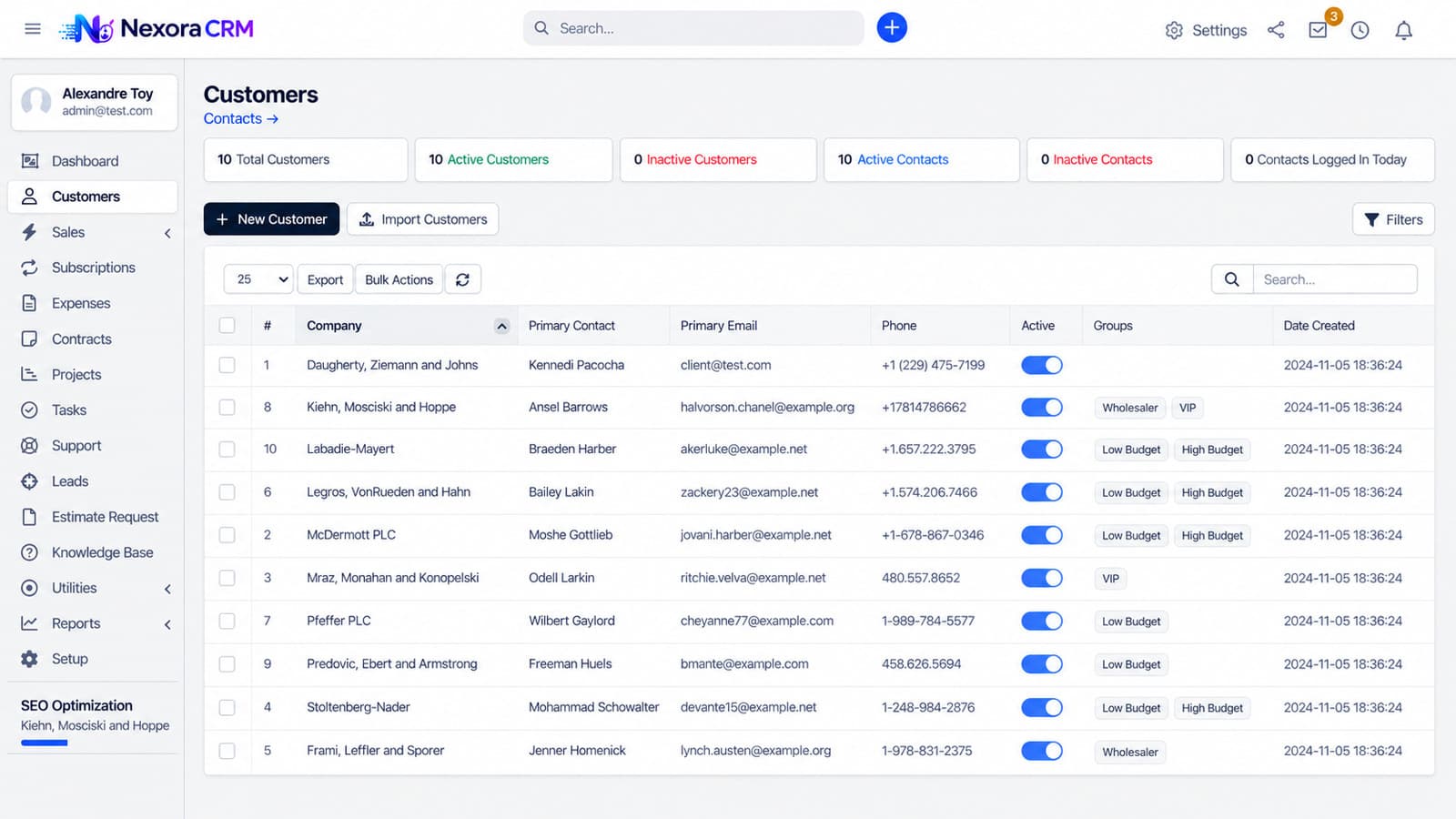
Real screens
A guided look inside
Production screens from a live deployment. Pick one to see what it does.
Screen 01
Pipeline
Leads by stage with drag-and-drop progression.
Who it is for
Built for operations that look like this
If yours is close but not identical, that is usually a configuration question rather than a custom build.
- 01
Agencies and consultancies
- 02
Professional services firms — legal, accounting, engineering
- 03
Managed service providers billing retainers
- 04
Any business that quotes, delivers and invoices project work
Security & data
Built to pass your IT and compliance review
Access control
Role-based permissions with activity logging.
Client data separation
Portal users see only their own records.
Payments
Card data handled by the gateway, never stored in the CRM.
Backup & export
Database backup and data export supported.
Deployment & licensing
Two ways to run it. Both yours to choose.
We do not publish implementation details of our platforms. What matters to your IT and procurement teams is how it is hosted, who operates it, where the data lives and what you are buying — so that is what this section answers.
Cloud — annual subscription
Hosted and operated by Kaidova on enterprise cloud infrastructure in your chosen region. Includes updates, monitoring, backups and support. Predictable yearly cost; no infrastructure to run.
Perpetual license — self-hosted
A one-time license to run the platform on your own infrastructure or private cloud, with full control over data residency and access. Implementation, training and optional support agreement from the team that built the platform.
In both models: your data is yours and exportable at any time · white-label branding at token level · custom modules and integrations available under the Extend route · documented administration and user training included in every deployment.
Deploy, extend or build
- Deploy — brand, configure, launch in 4–8 weeks.
- Extend — add the modules your operation needs; upgrade path intact.
- Build — ground-up when nothing fits, reusing platform components where they save money.
See Nexora CRM running on your own data
Bring one live case to the demo and we will walk it through the system in thirty minutes. No slide deck.
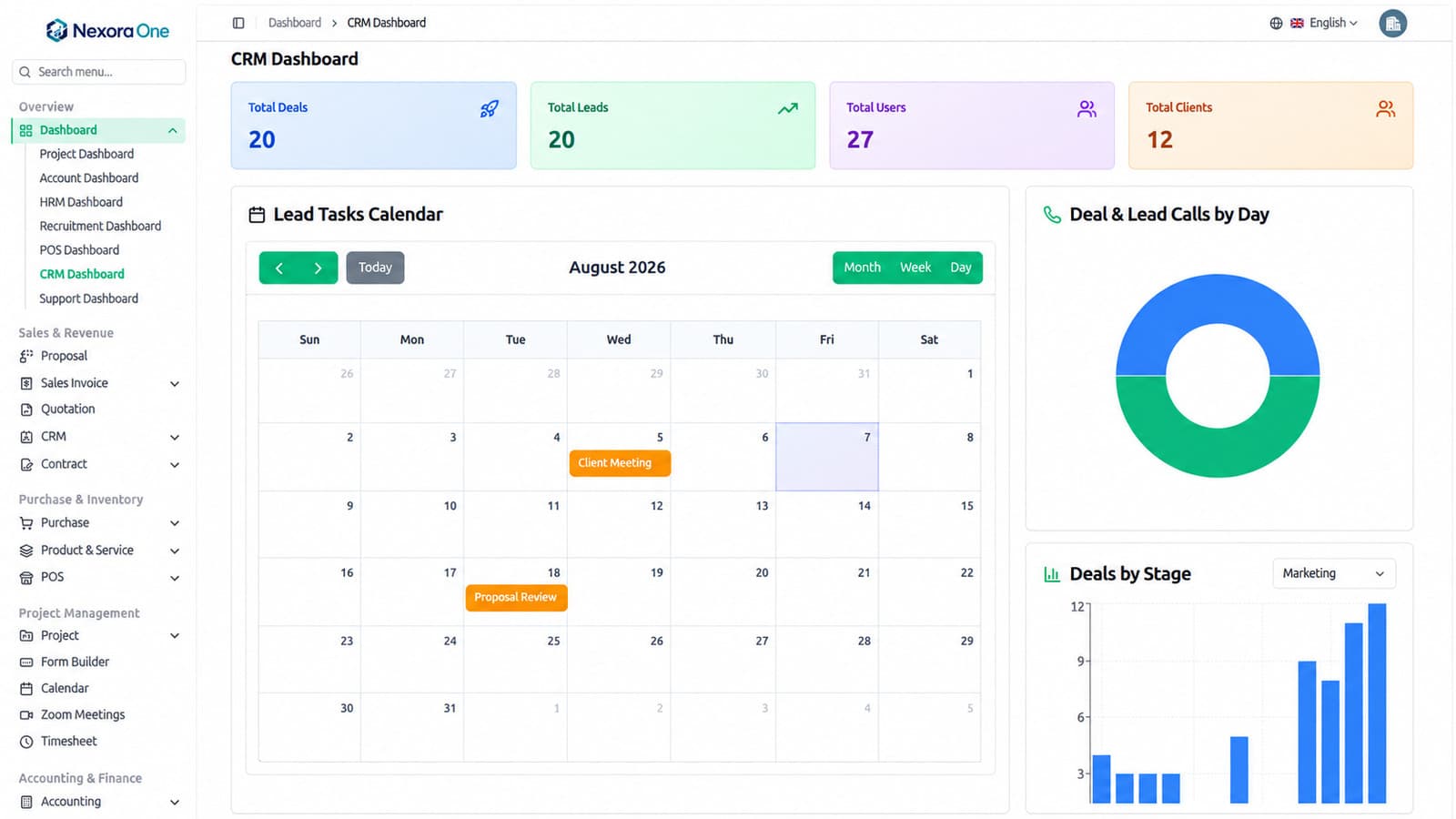
Nexora One
View platform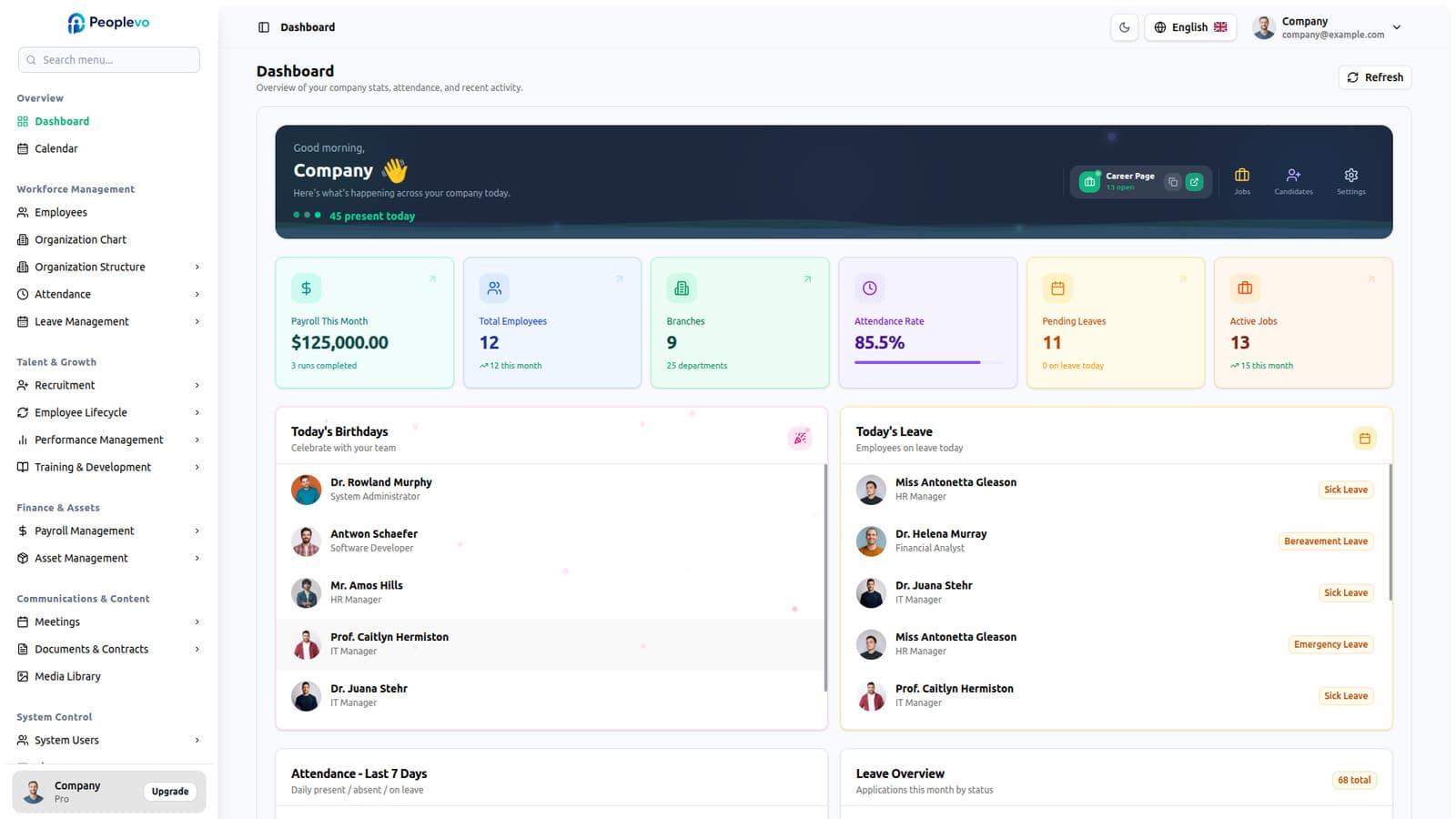
Peoplevo
View platform

Nadeera
View platform