eCommerce / Marketplace
Shoplance
Smart Commerce. Limitless Possibilities.
An online store, a multi-vendor marketplace and an in-store till running off one product catalogue — with an AI agent selling alongside you.
- Live in production
- 26 documented features across 6 areas
- White-label in 4–8 weeks
Features
26
Areas
6

Overview
Shoplance runs in two modes from the same installation — single-vendor store or multi-vendor marketplace.
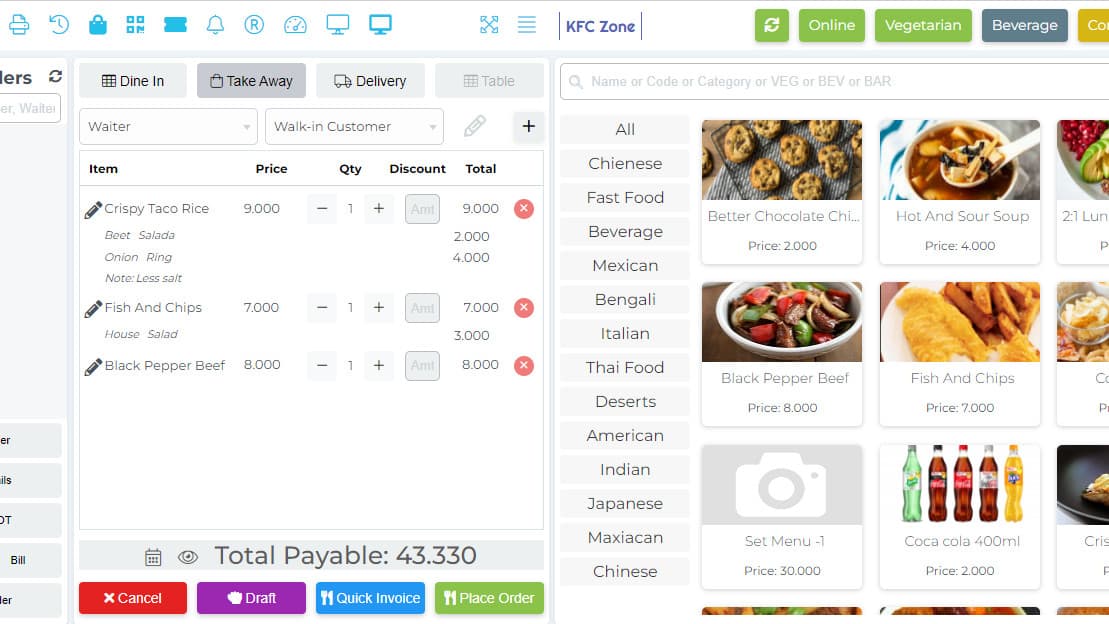
The built-in POS is what makes it useful for businesses with a physical presence. The shop floor and the website share one inventory, so a sale at the counter and a sale online draw down the same stock — no nightly sync, no overselling. Vendors, staff and roles are managed in the same admin.
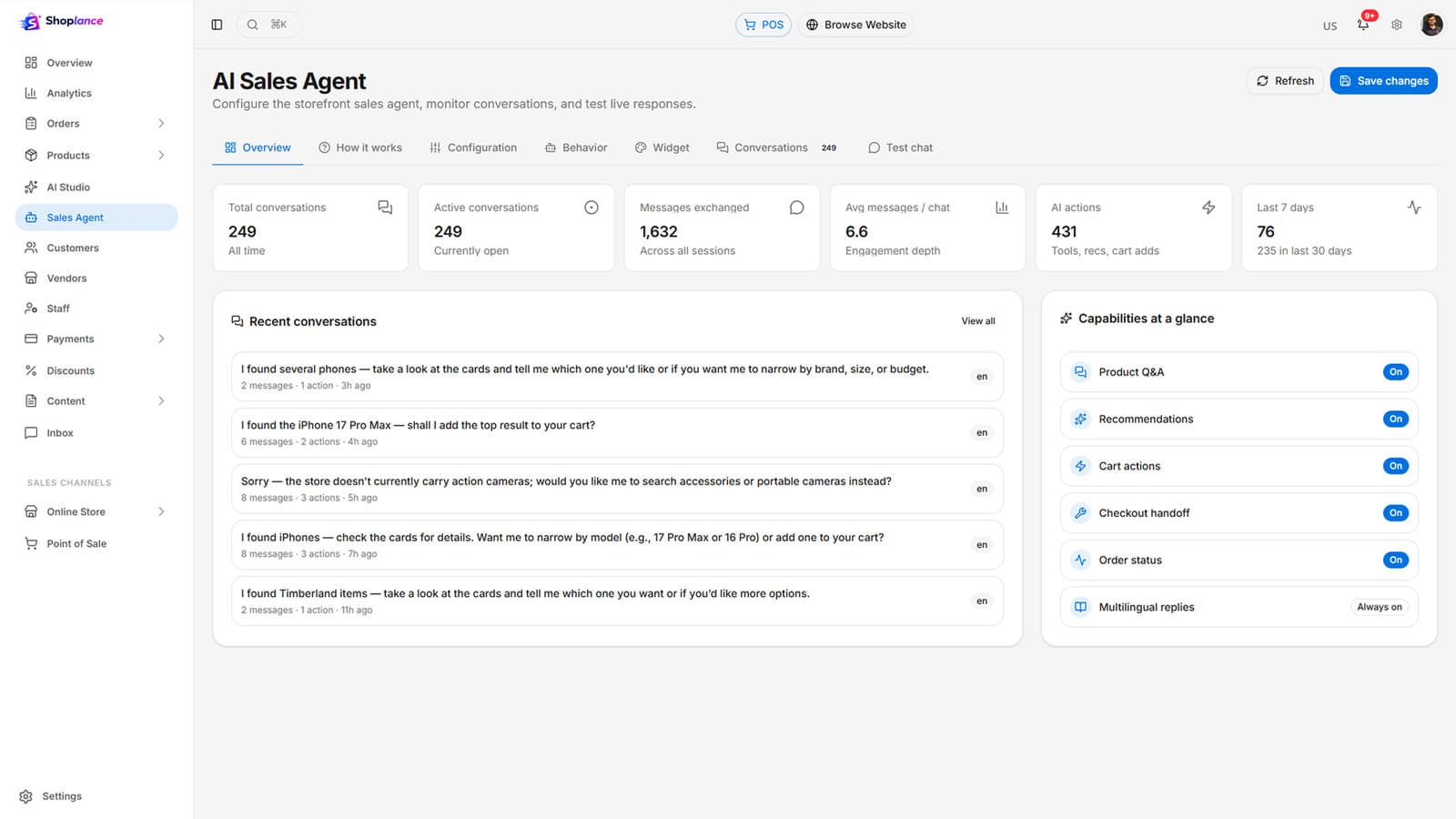
The AI Sales Agent works the storefront the way a good floor assistant would: it answers product questions, recommends items based on what the shopper actually needs, explains returns and shipping policy, and walks people through checkout. The storefront itself is a Progressive Web App — installable, fast, and usable on poor connections.
- Storefront
- AI Sales Agent
- Catalogue and orders
- Marketplace
- Point of sale
- Content and growth
What's inside
26 features across 6 areas
Deploy the whole platform, or start with the areas that hurt most. They share one data model, so nothing needs reconciling later.
- 01
Storefront
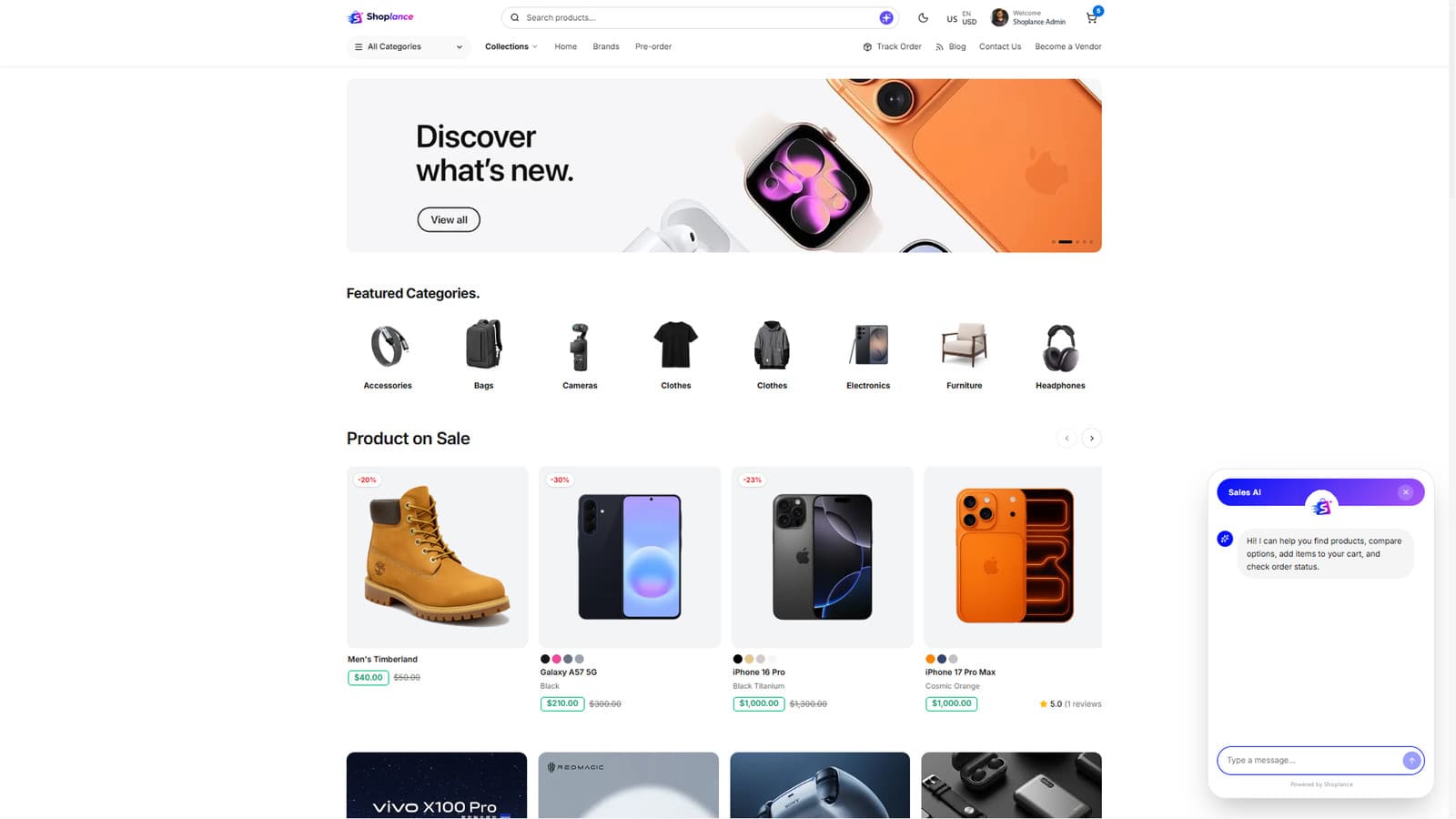
- Progressive Web App — installable, fast, works on poor connections
- Responsive design with multi-language, RTL and multi-currency
- Smart search with filters, mega menu navigation
- Product reviews and ratings
- 3D product viewer
- Cart and checkout flow
- 02
AI Sales Agent
- Answers customer questions about products
- Recommends products based on stated needs
- Explains store policies
- Guides shoppers through the buying journey
- 03
Catalogue and orders
- Products with variants, attributes and inventory
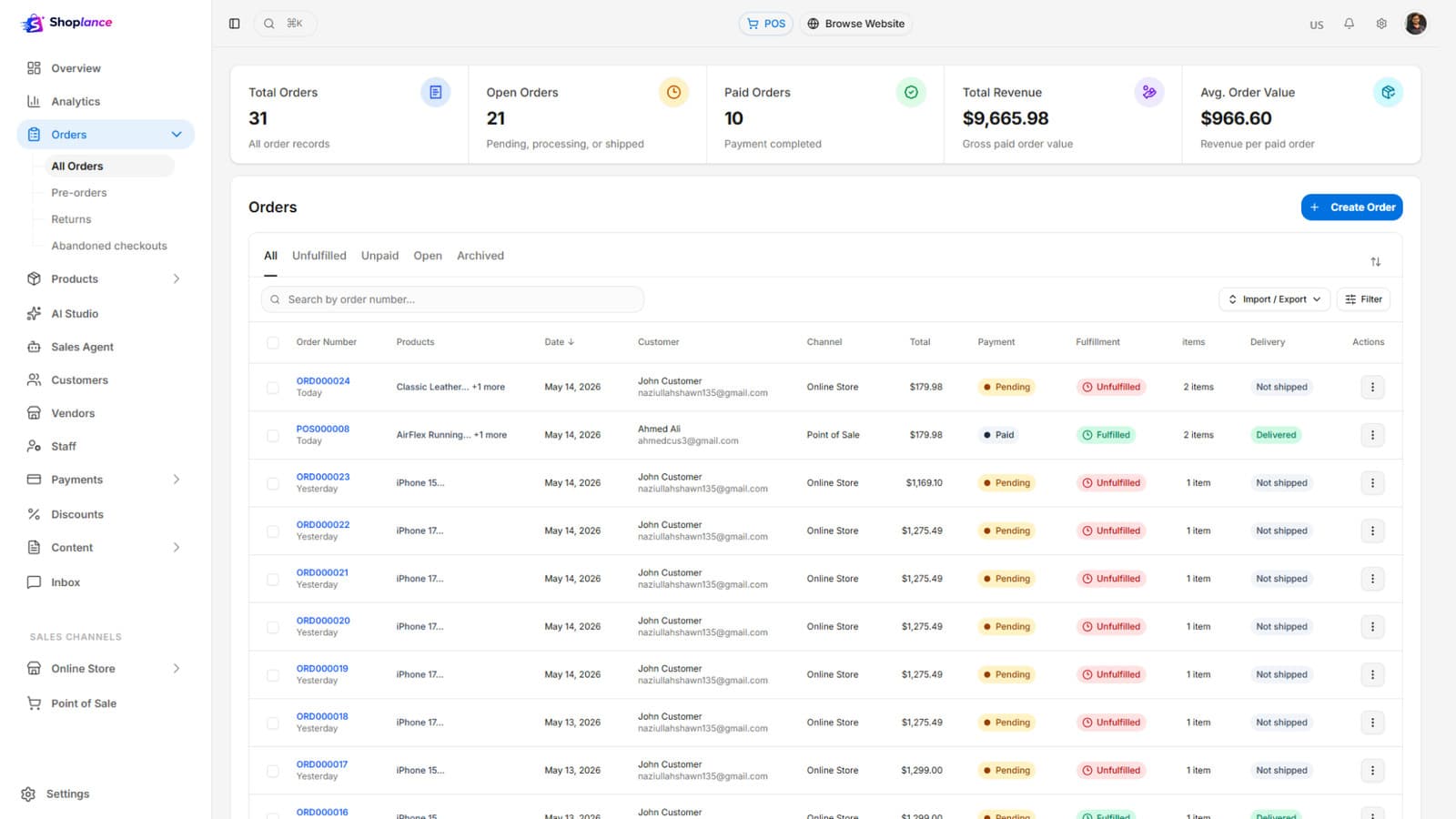
- Order management end to end
- Customer records and history
- Discounts and coupon management
- 04
Marketplace
- Multi-vendor mode with vendor accounts and storefronts
- Vendor product, order and payout management
- Staff management with role-based access
- Single-vendor mode for standard retail
- 05
Point of sale
- In-store POS sharing the online inventory
- Counter sales against the same catalogue
- POS access controlled by role
- 06
Content and growth
- Store CMS with homepage section management
- Page management and blog
- SEO-friendly content structure and branding settings
- Traffic analytics via Plausible and Google Analytics 4
- Payments: Stripe, PayPal, RazorPay, Paystack, COD, manual
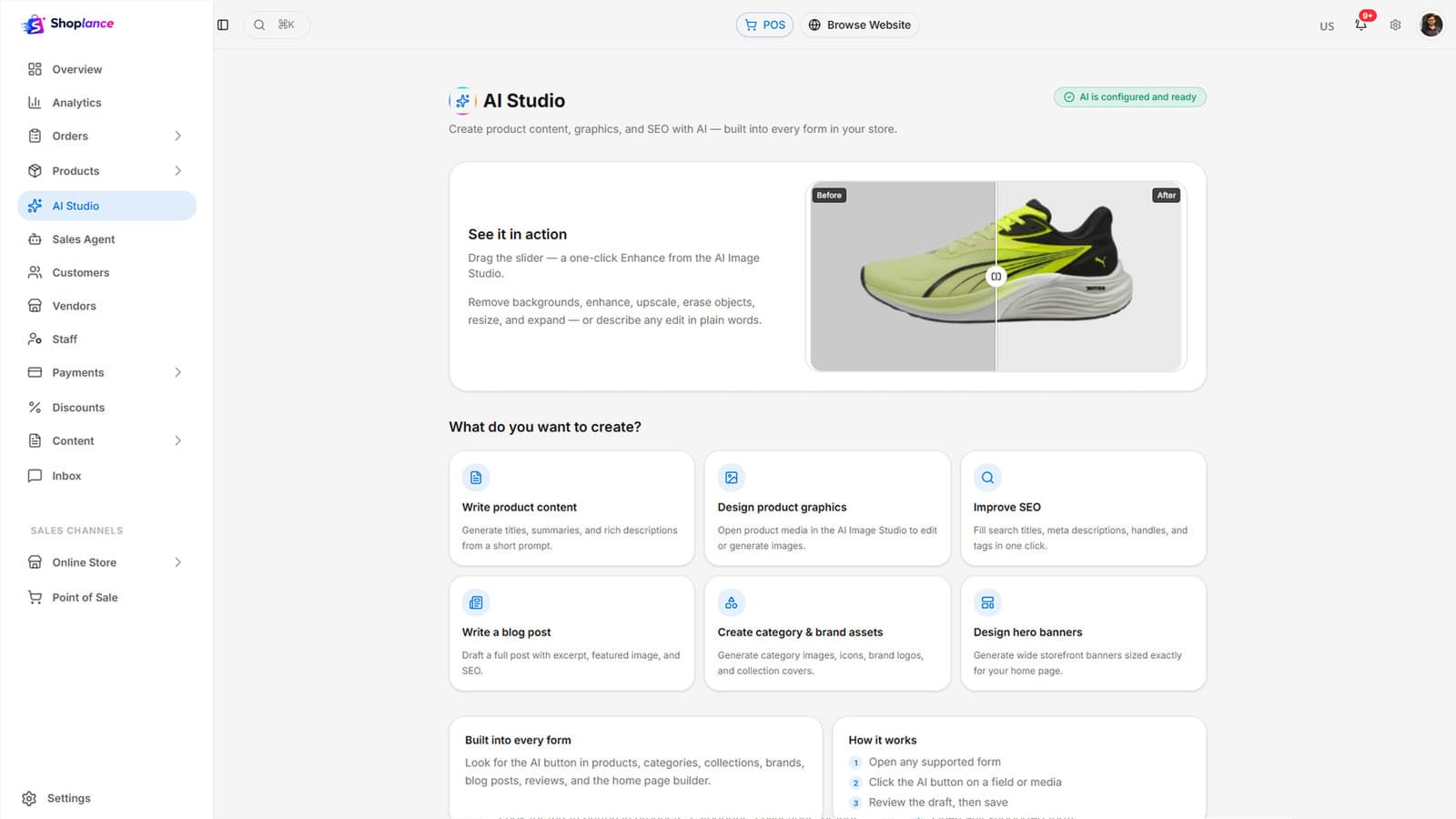
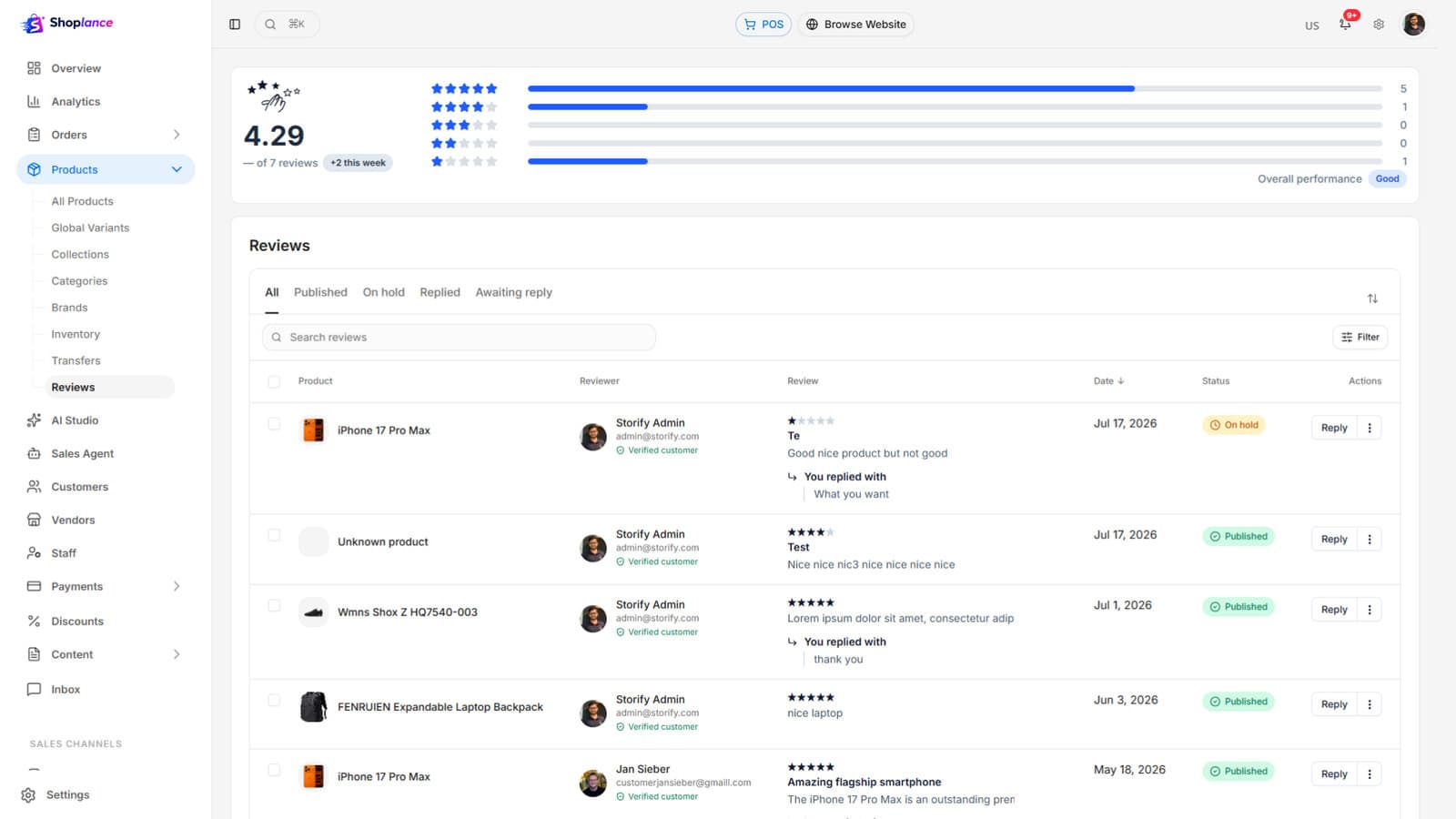
How it works
Built around what people actually do all day
Real screens
A guided look inside
Production screens from a live deployment. Pick one to see what it does.
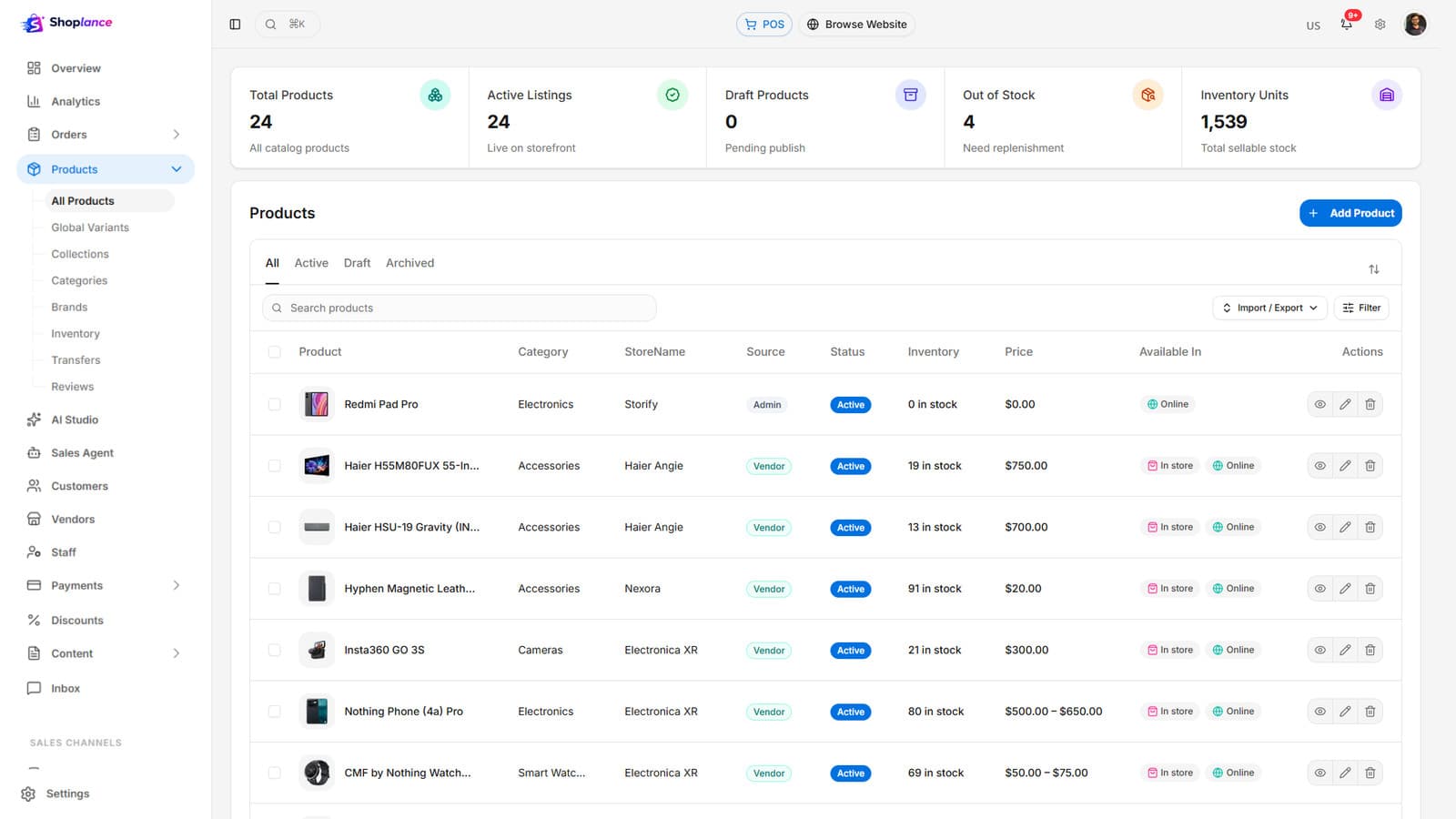
Screen 01
Products management
Catalogue with variants, attributes and stock.
Who it is for
Built for operations that look like this
If yours is close but not identical, that is usually a configuration question rather than a custom build.
- 01
Retailers selling online and in store
- 02
Marketplace operators onboarding third-party vendors
- 03
Brands in fashion, electronics, grocery and general retail
- 04
Distributors adding B2B/B2C online channels
- 05
Startups launching a commerce business
Security & data
Built to pass your IT and compliance review
Payments
Card data handled by gateways (Stripe, PayPal, RazorPay, Paystack); never stored in the platform.
Vendor isolation
Vendors manage only their own products, orders and payouts.
Access control
Role-based staff and POS access.
Customer data
Order and profile data scoped by role; export/deletion supported.
Deployment & licensing
Two ways to run it. Both yours to choose.
We do not publish implementation details of our platforms. What matters to your IT and procurement teams is how it is hosted, who operates it, where the data lives and what you are buying — so that is what this section answers.
Cloud — annual subscription
Hosted and operated by Kaidova on enterprise cloud infrastructure in your chosen region. Includes updates, monitoring, backups and support. Predictable yearly cost; no infrastructure to run.
Perpetual license — self-hosted
A one-time license to run the platform on your own infrastructure or private cloud, with full control over data residency and access. Implementation, training and optional support agreement from the team that built the platform.
In both models: your data is yours and exportable at any time · white-label branding at token level · custom modules and integrations available under the Extend route · documented administration and user training included in every deployment.
Integrations & compatibility
Shown because buyers need them to assess fit — none of these disclose how the platform is built.
- PWA-ready; Plausible and GA4 analytics
- AI provider for the sales agent
Deploy, extend or build
- Deploy — brand, configure, launch in 4–8 weeks.
- Extend — add the modules your operation needs; upgrade path intact.
- Build — ground-up when nothing fits, reusing platform components where they save money.
See Shoplance running with your own catalogue
Bring one live case to the demo and we will walk it through the system in thirty minutes. No slide deck.
RestoraX
View platform
Peoplevo
View platform

Fleetivo
View platform