Fleet / Vehicle Management
Fleetivo
Track. Manage. Optimize.
Live GPS tracking, trip dispatch, preventive maintenance and fleet accounting in one place — so a vehicle's location, condition and cost sit on the same record.
- Live in production
- 26 documented features across 6 areas
- White-label in 4–8 weeks
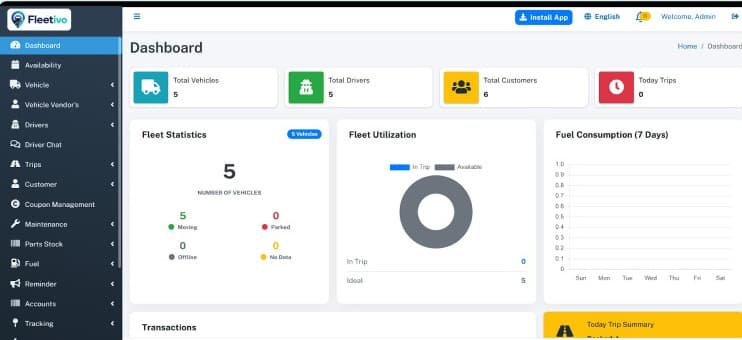

Overview
Fleetivo answers the three questions a fleet operator asks all day: where is the vehicle, when does it next need work, and is it making money.
Dispatch is built around real trips. Bookings are assigned to vehicles and drivers, routes are optimised and auto-estimated, and the driver works from a mobile app with live chat and status sync back to the office. Trip playback lets you replay any journey after the fact — for a customer dispute, an incident or a fuel anomaly.
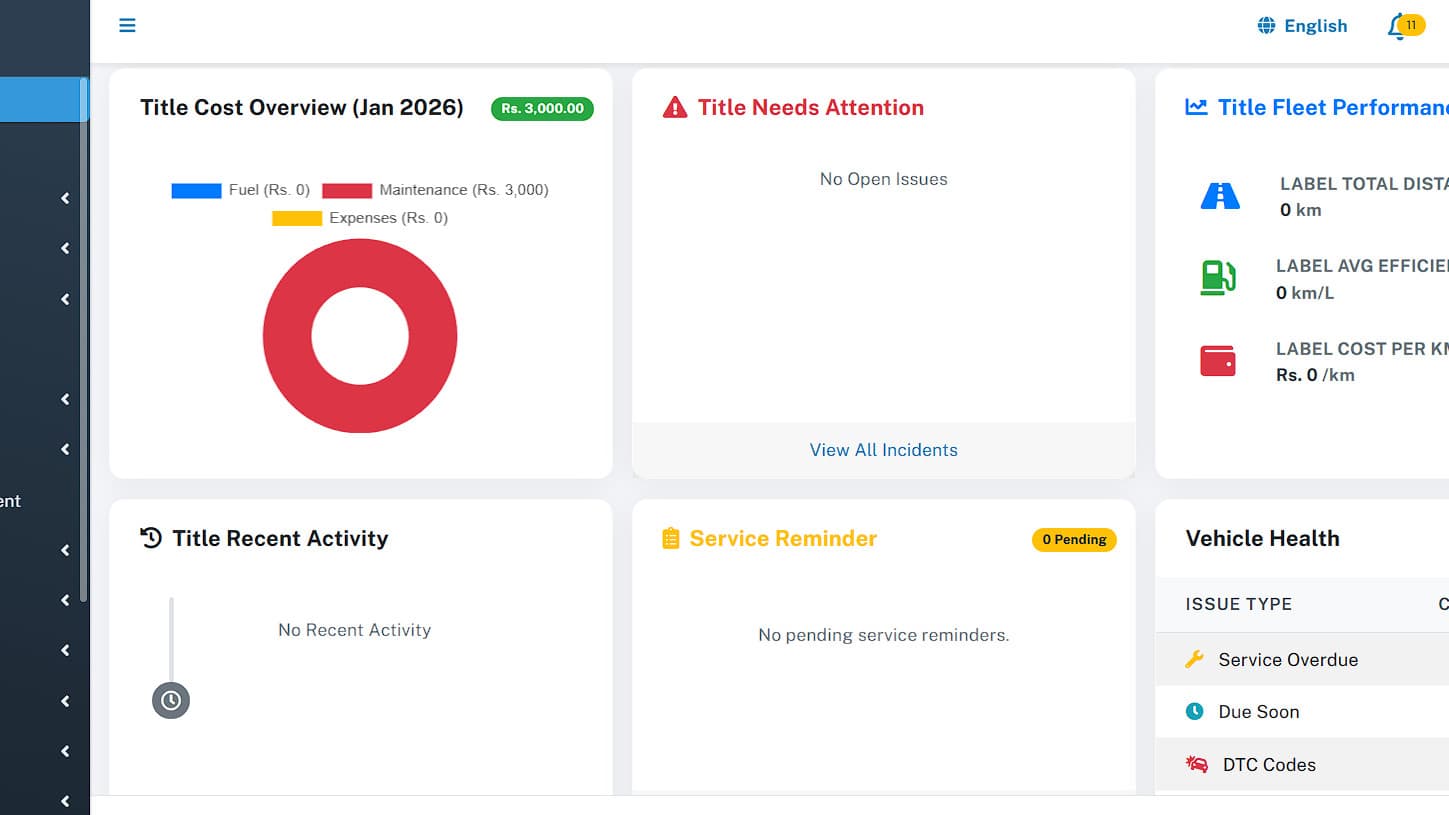
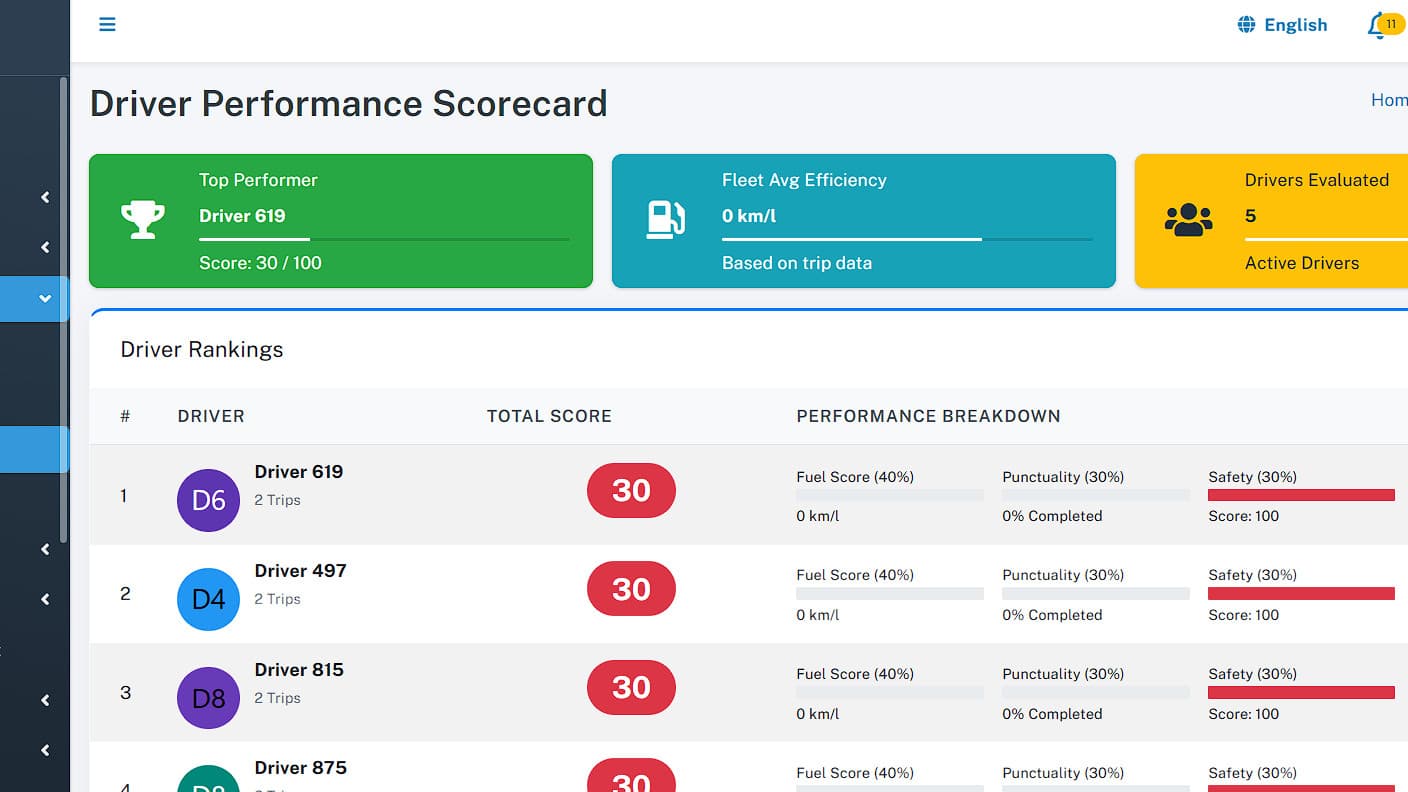
The maintenance side is unusually deep for this class of product: a scheduler, incident reports, job cards, parts inventory, cost analytics and separate tyre management with position tracking and wear analysis. Alerts fire on document expiry, service due dates, fuel anomalies and speed violations — so compliance and cost problems surface before they become downtime.
- Tracking
- Trips and dispatch
- Vehicles and maintenance
- Drivers and staff
- Money and reporting
- Operations
What's inside
26 features across 6 areas
Deploy the whole platform, or start with the areas that hurt most. They share one data model, so nothing needs reconciling later.
- 01
Tracking
- Real-time GPS tracking on live maps
- Custom geofence zones with entry and exit alerts
- Trip playback history
- Traccar server integration; Traccar Client and custom driver app
- 02
Trips and dispatch
- Trip creation, assignment and smart dispatch
- Route optimisation with automatic estimation
- Customer portal and frontend booking
- Coupons, promo codes and loyalty programmes
- 03
Vehicles and maintenance
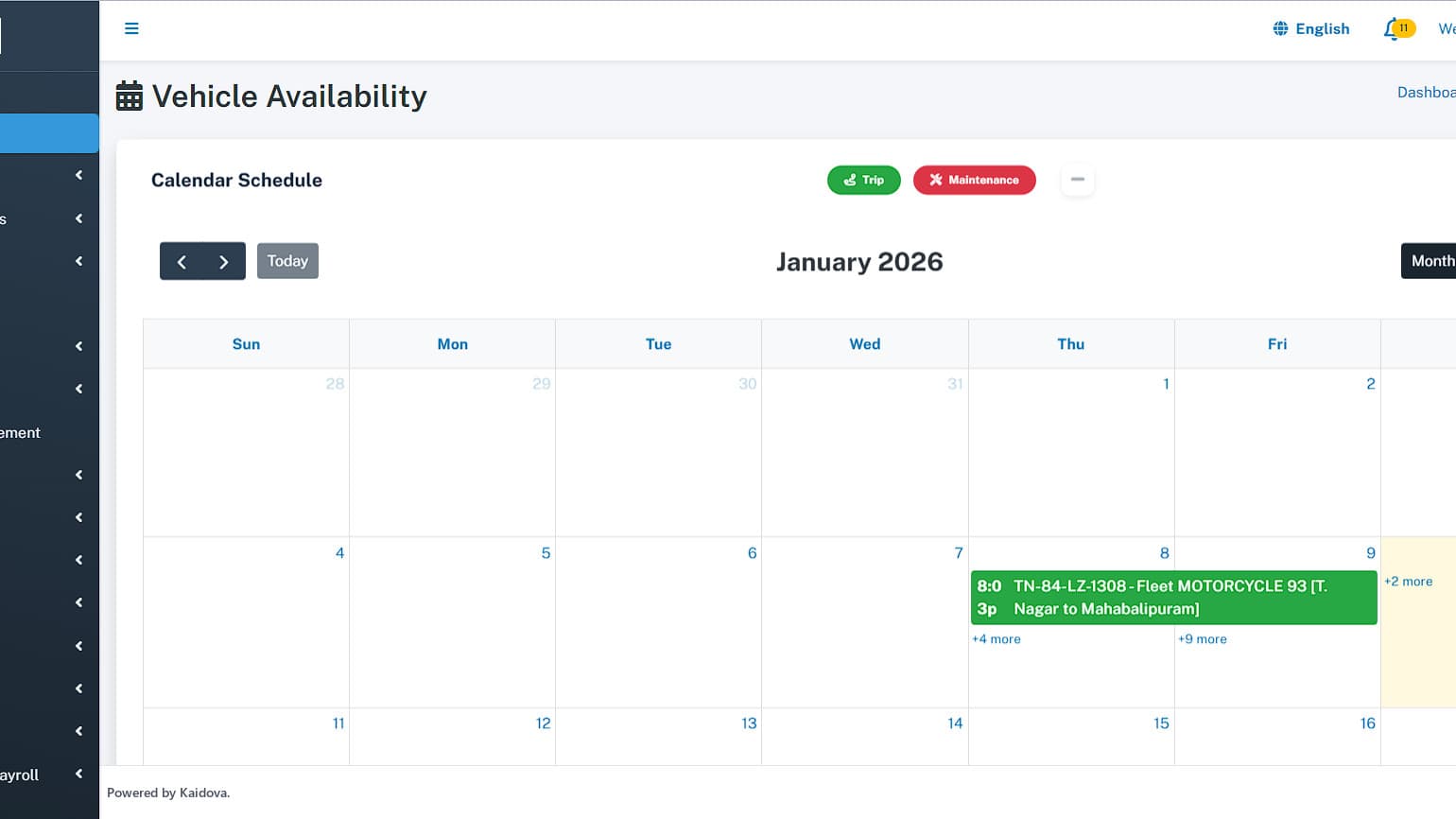
- Vehicle records, groups, availability and documents
- Preventive maintenance scheduler with job cards
- Incident reporting and cost analytics
- Parts inventory and purchase history
- Tyre management — position tracking, inventory, wear analysis
- Service reminders and document expiry alerts
- 04
Drivers and staff
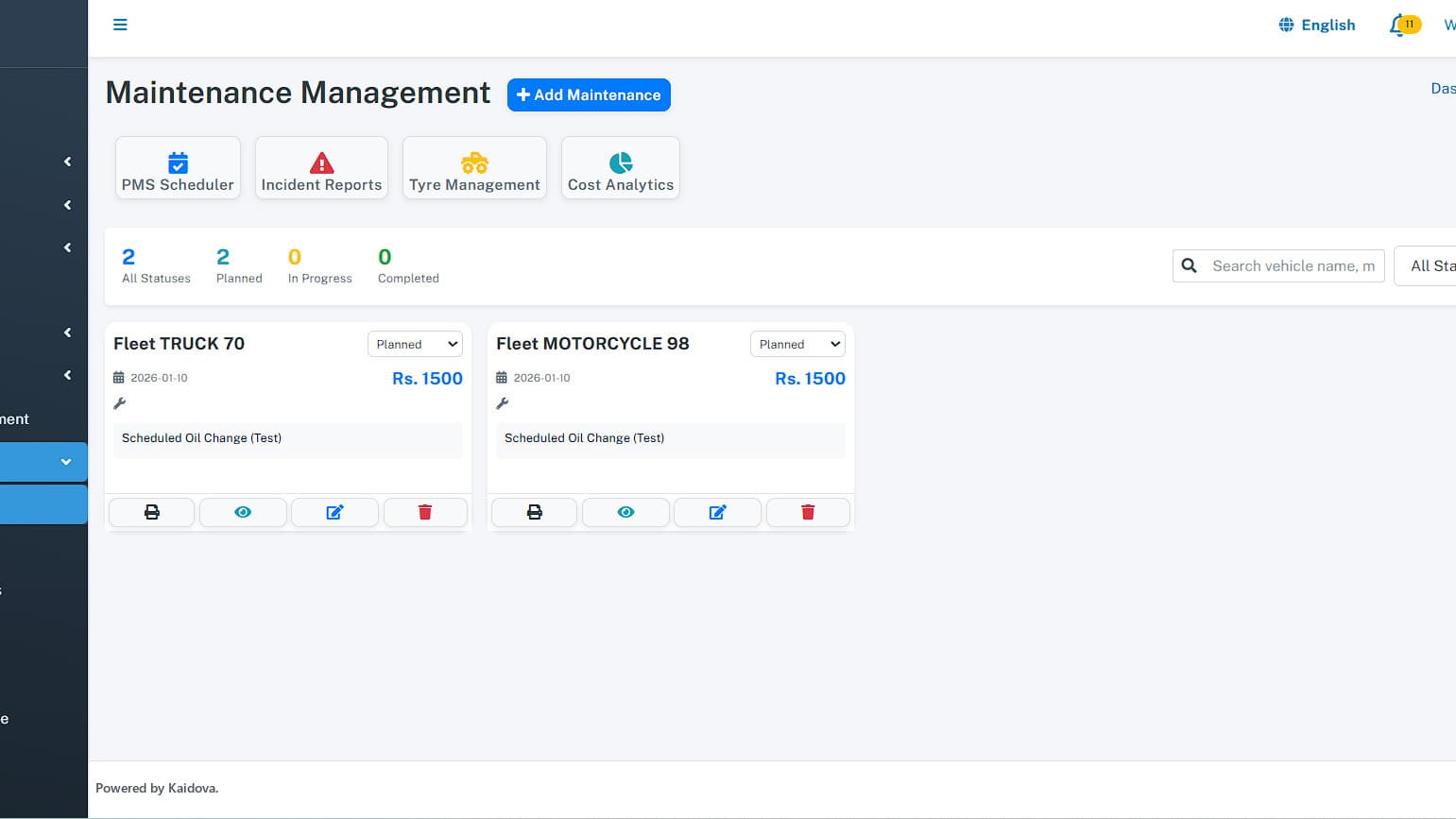
- Driver records, performance and attendance
- Driver mobile app with live chat and status sync
- HR and team management with granular permissions
- Driver payroll
- 05
Money and reporting
- Income and expense tracking per vehicle
- Accounts management
- Booking, driver, maintenance and profit reports
- Fuel tracking and consumption analysis
- 06
Operations
- Configurable alert engine across maintenance, documents, fuel and speed
- SMS, email and WhatsApp notifications
- Bulk CSV import and database backup
- Multi-user roles; RTL language support
How it works
Built around what people actually do all day
Real screens
A guided look inside
Production screens from a live deployment. Pick one to see what it does.
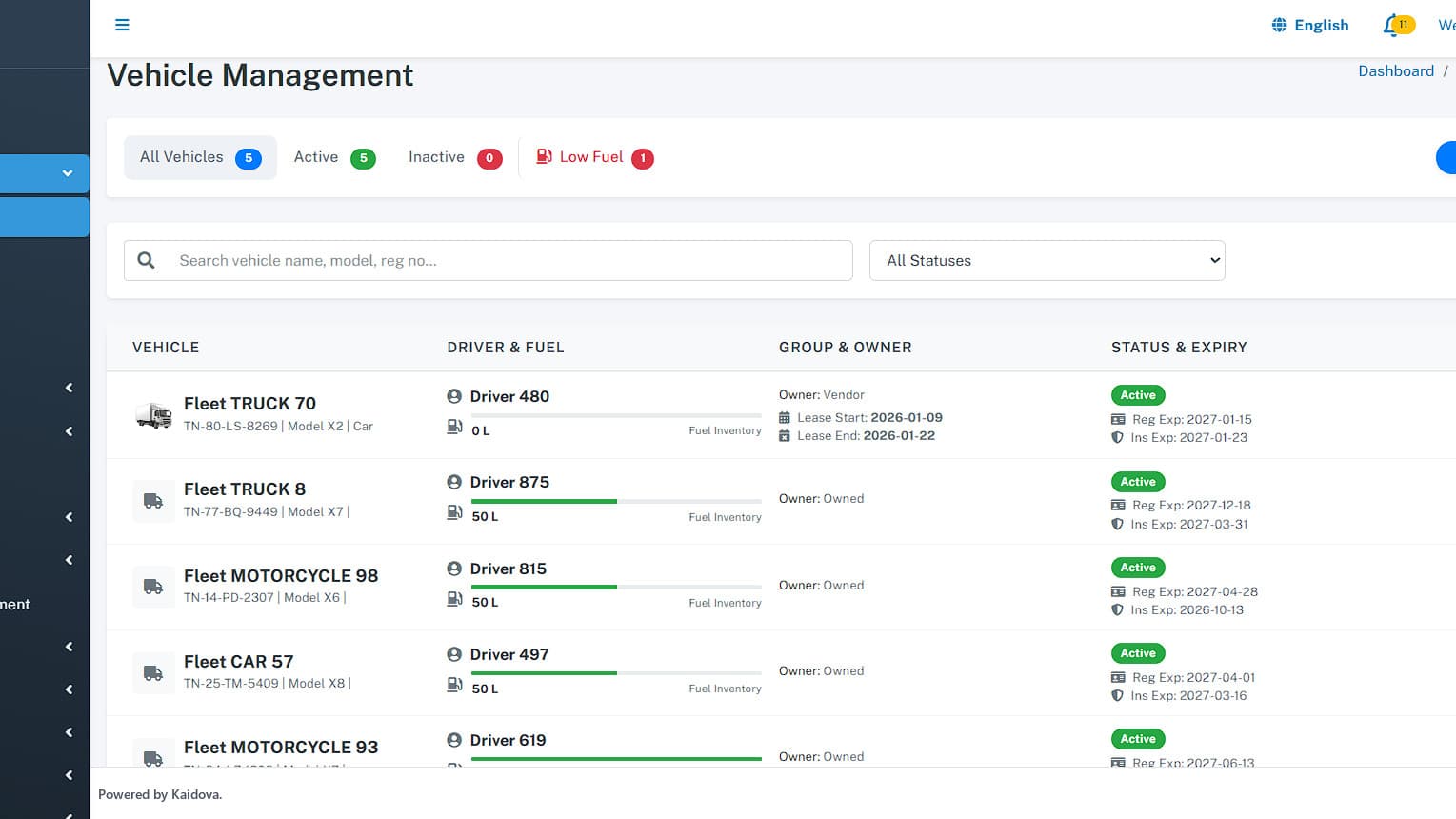
Screen 01
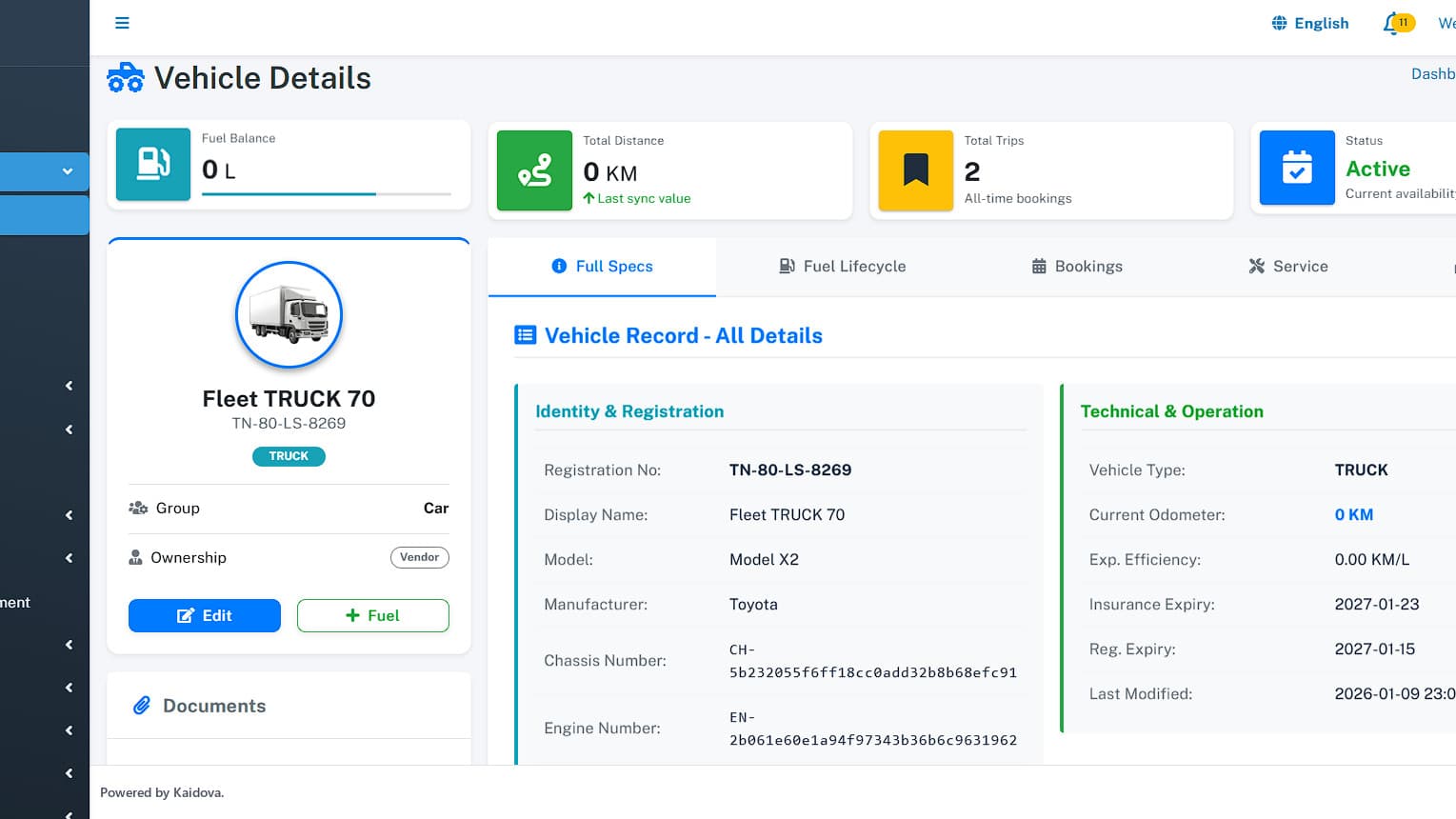
Vehicle management
Vehicle records with documents, status and group.
Who it is for
Built for operations that look like this
If yours is close but not identical, that is usually a configuration question rather than a custom build.
- 01
Trucking and logistics fleets
- 02
Taxi, ride and shuttle services
- 03
Car and equipment rental businesses
- 04
Utilities, construction and field-service fleets
- 05
Any company running vehicles as a cost centre
Security & data
Built to pass your IT and compliance review
Access control
Granular permissions for dispatch, maintenance, finance and HR roles.
Location data
Trip history retention configurable; driver consent handled in onboarding.
Device integration
Traccar-based ingestion supports a wide range of GPS hardware.
Backup
Database backup built in.
Deployment & licensing
Two ways to run it. Both yours to choose.
We do not publish implementation details of our platforms. What matters to your IT and procurement teams is how it is hosted, who operates it, where the data lives and what you are buying — so that is what this section answers.
Cloud — annual subscription
Hosted and operated by Kaidova on enterprise cloud infrastructure in your chosen region. Includes updates, monitoring, backups and support. Predictable yearly cost; no infrastructure to run.
Perpetual license — self-hosted
A one-time license to run the platform on your own infrastructure or private cloud, with full control over data residency and access. Implementation, training and optional support agreement from the team that built the platform.
In both models: your data is yours and exportable at any time · white-label branding at token level · custom modules and integrations available under the Extend route · documented administration and user training included in every deployment.
Integrations & compatibility
Shown because buyers need them to assess fit — none of these disclose how the platform is built.
- Traccar integration for GPS device ingestion
- Android driver application
- iOS driver application
Deploy, extend or build
- Deploy — brand, configure, launch in 4–8 weeks.
- Extend — add the modules your operation needs; upgrade path intact.
- Build — ground-up when nothing fits, reusing platform components where they save money.
See Fleetivo tracking your own vehicles
Bring one live case to the demo and we will walk it through the system in thirty minutes. No slide deck.

Shipora
View platform

RestoraX
View platform

TrashSync
View platform