Restaurant POS / F&B Management
RestoraX
POS · Kitchen · Orders
A restaurant POS that keeps taking orders when the internet drops, and deducts ingredients from stock every time a dish is sold.
- Live in production
- 31 documented features across 6 areas
- White-label in 4–8 weeks

Overview
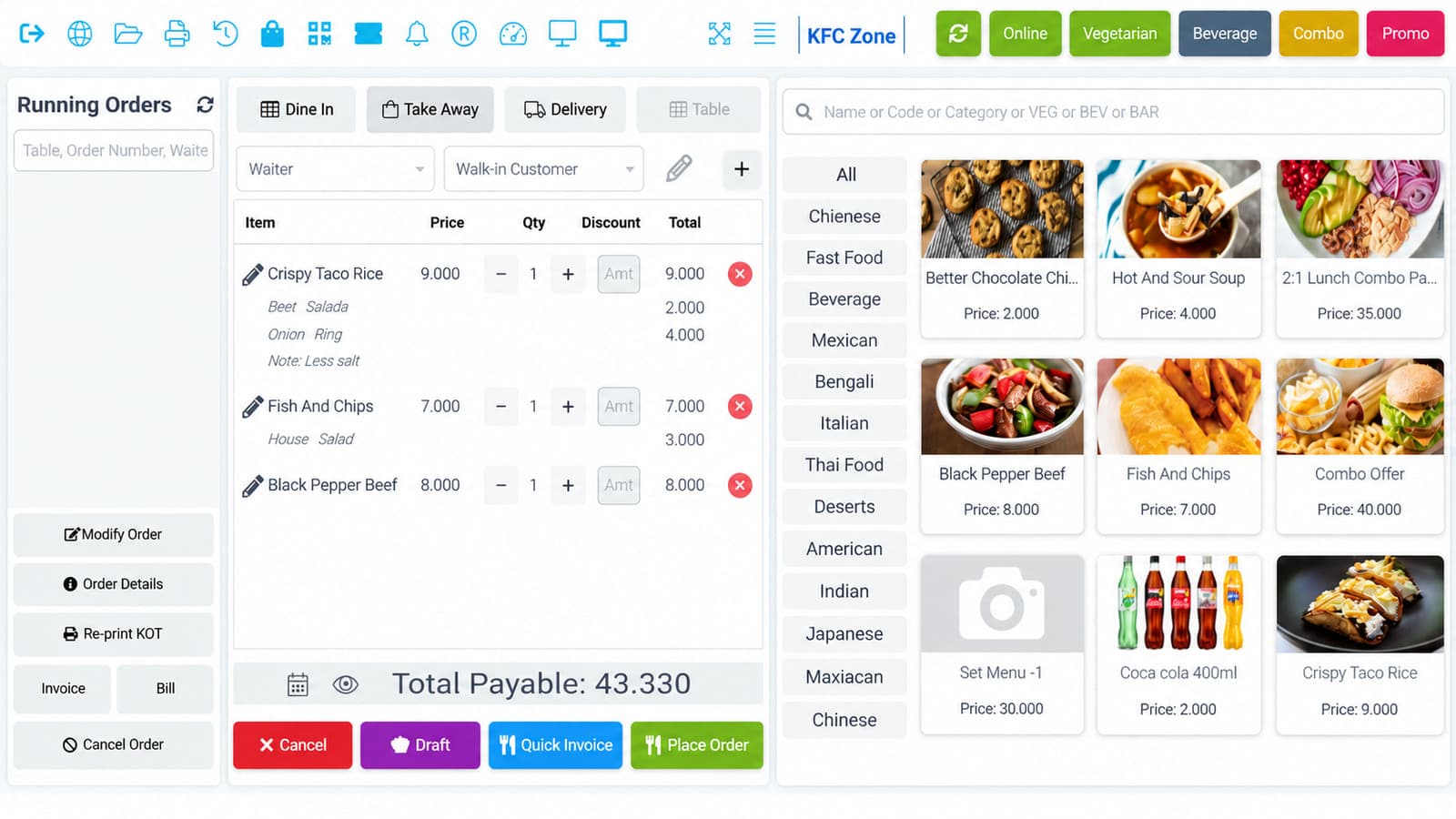
RestoraX is built offline-first — which for a restaurant is not a feature but a requirement.
The kitchen side is properly separated. Items route to the right kitchen by category, KOTs print per station, preparation notes travel with the order, and the kitchen panel shows only what that station is responsible for. Cancellations and item removals are logged with reason, time and staff identity — which is how you find shrinkage.
Inventory is tied to recipes rather than guessed. Selling a dish deducts its ingredients automatically, so food cost is a live number instead of a month-end surprise. Across multiple outlets, pricing and stock stay separate while reporting consolidates — the view a group operator or franchisor actually needs.
- Point of sale
- Orders
- Kitchen
- Stock and cost
- Floor and pricing
- Online and compliance
What's inside
31 features across 6 areas
Deploy the whole platform, or start with the areas that hurt most. They share one data model, so nothing needs reconciling later.
5 features
Point of sale
- Offline-first billing with automatic sync
- Split and merge bills
- Multi-currency support
- Pop-up-less direct printing and cash drawer integration
- Daily Z-report for shift close
Orders
6
- Dine-in, takeaway and delivery order types
- QR code self-ordering at the table
- Real-time order status tracking
- Cancellation logging with reason, timestamp and staff identity
- Item removal protection and audit trails
- Waiter app for faster order taking
5 features
Kitchen
- Multi-kitchen routing by item category
- Category-wise KOT printing
- Kitchen panel showing only that station's items
- Preparation notes and kitchen notifications
- Customer display and order status screens
5 features
Stock and cost
- Recipe and ingredient management
- Automatic ingredient deduction on sale
- Food cost control and live margin visibility
- Stock transfer and adjustment; waste management
- Purchase, expense and supplier due management
5 features
Floor and pricing
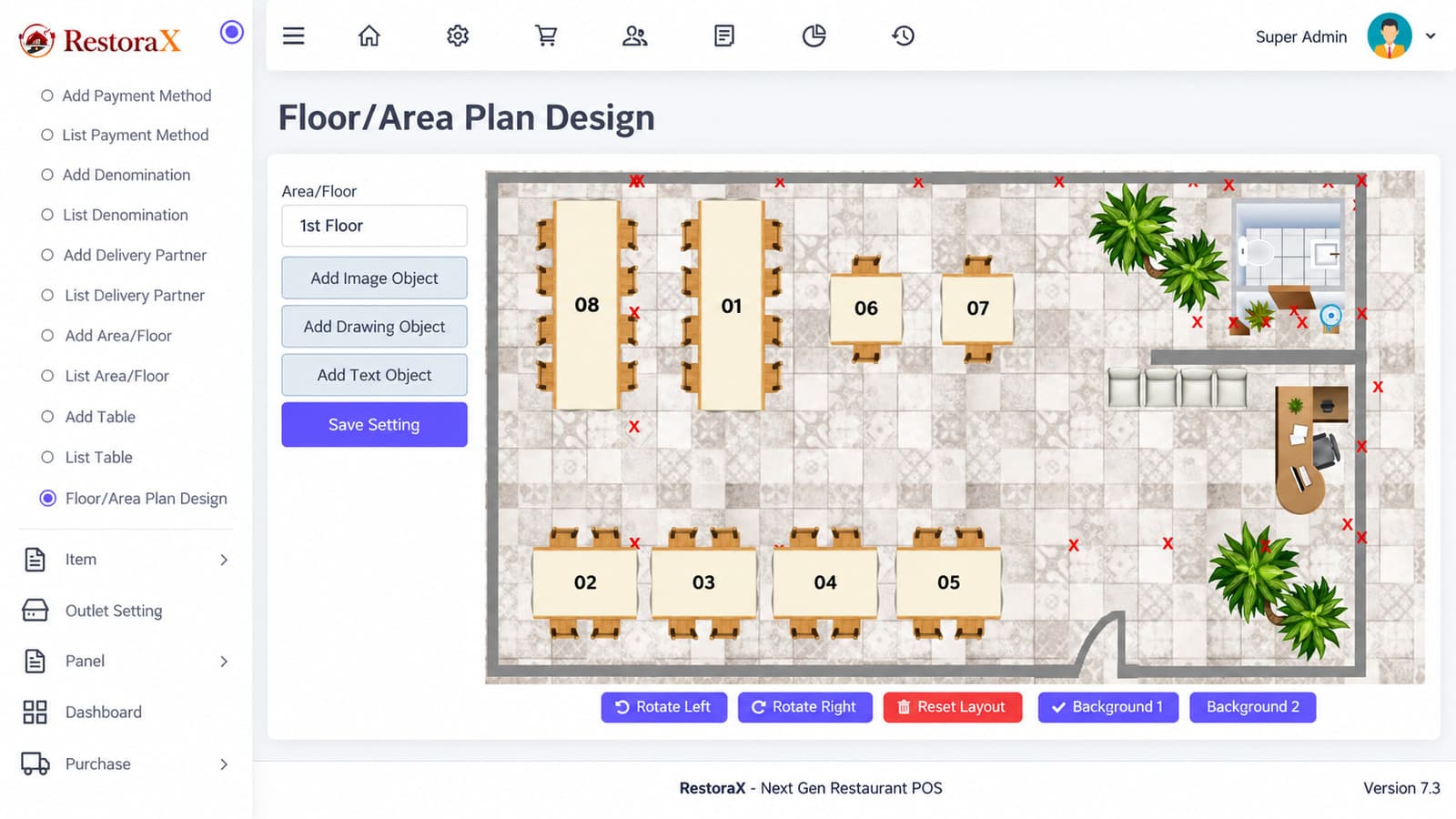
- Visual floor plan with live table status
- Toppings, modifiers and variant-wise pricing
- Combos, deals and discounts
- Loyalty points
- Outlet-wise pricing across locations
5 features
Online and compliance
- Online food ordering portal
- Table reservations
- QR code invoices
- SMS and payment gateway integration
- Multi-language interface with configurable regional tax rules
How it works
Built around what people actually do all day
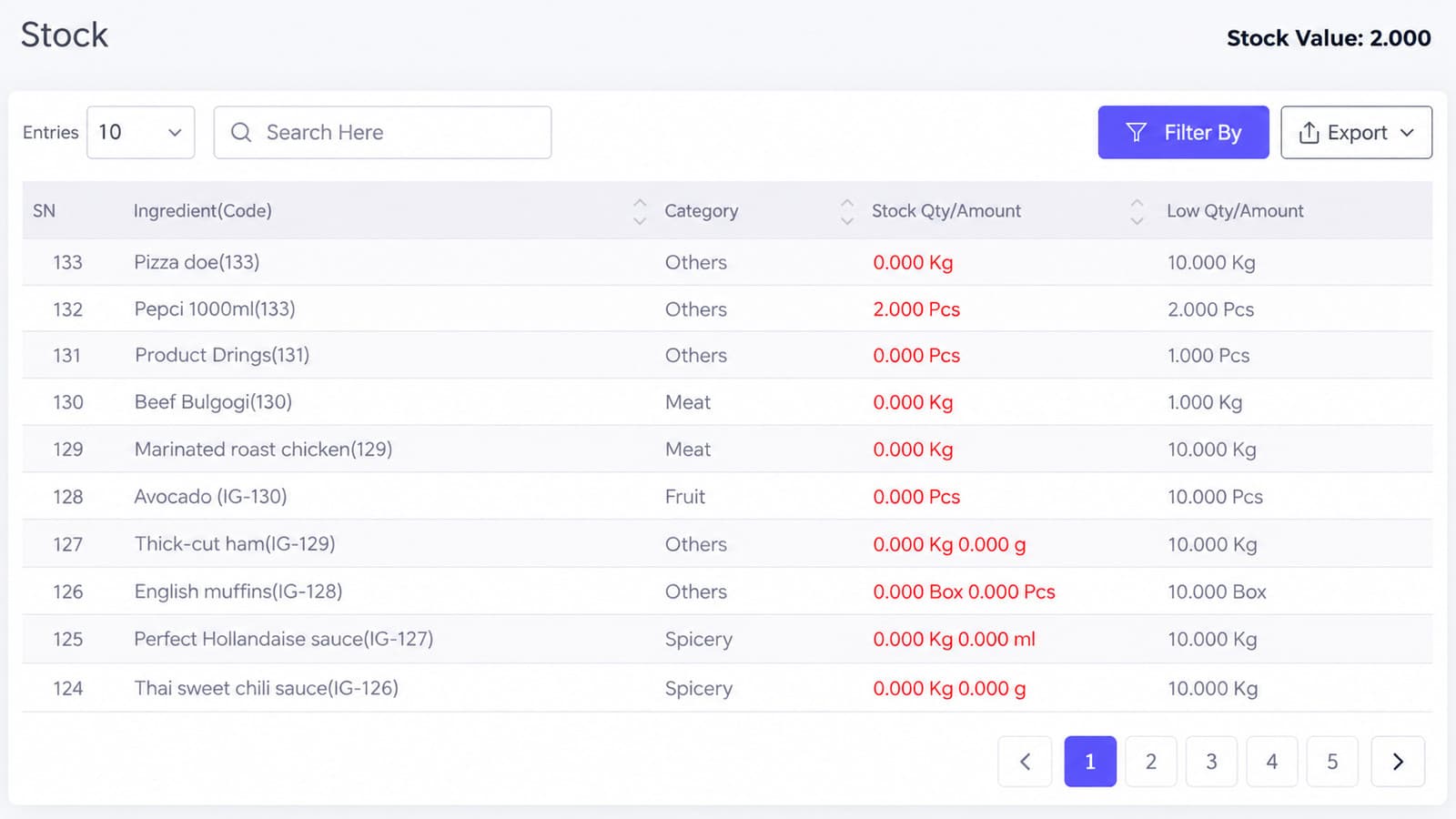
Real screens
A guided look inside
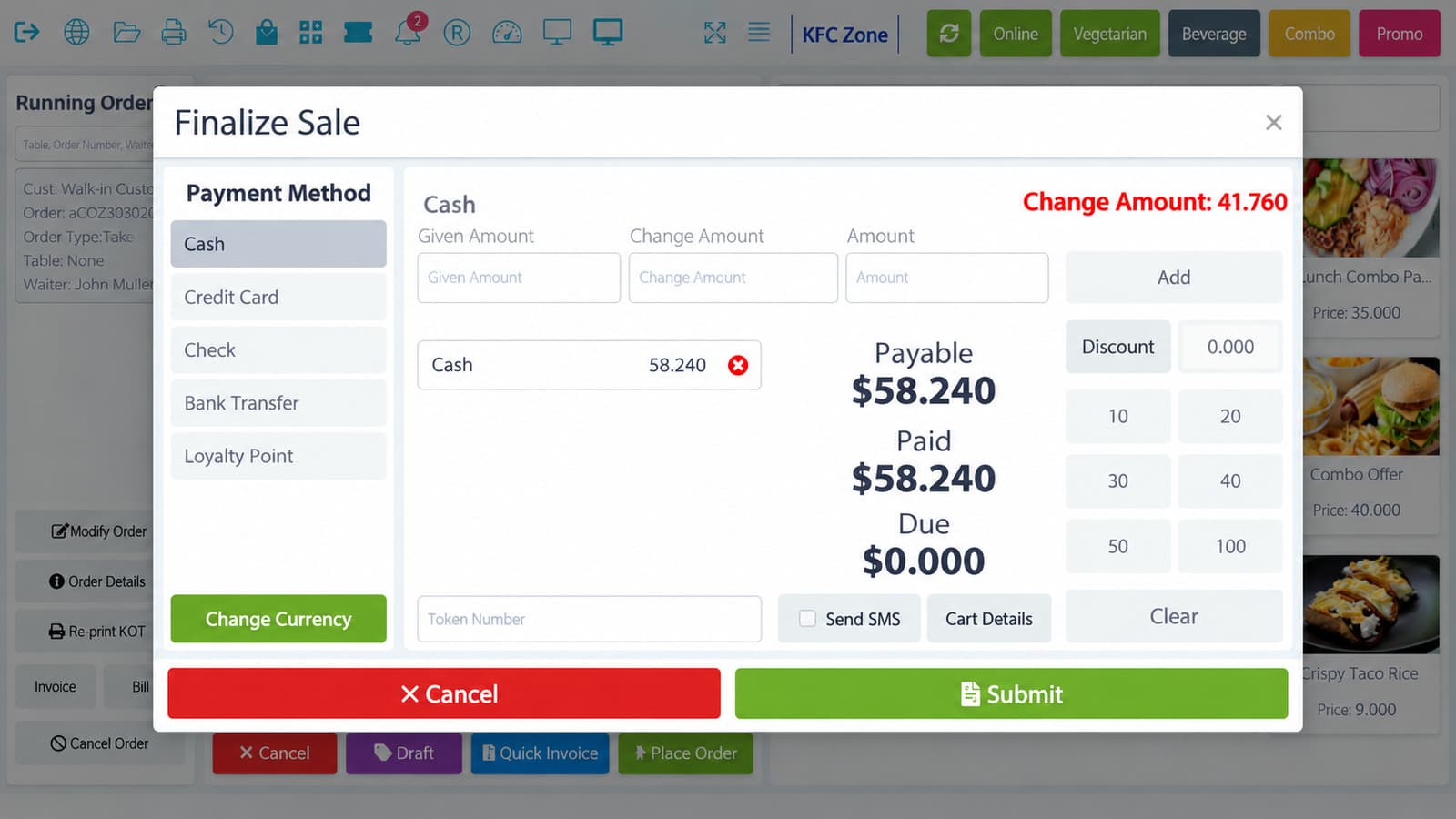
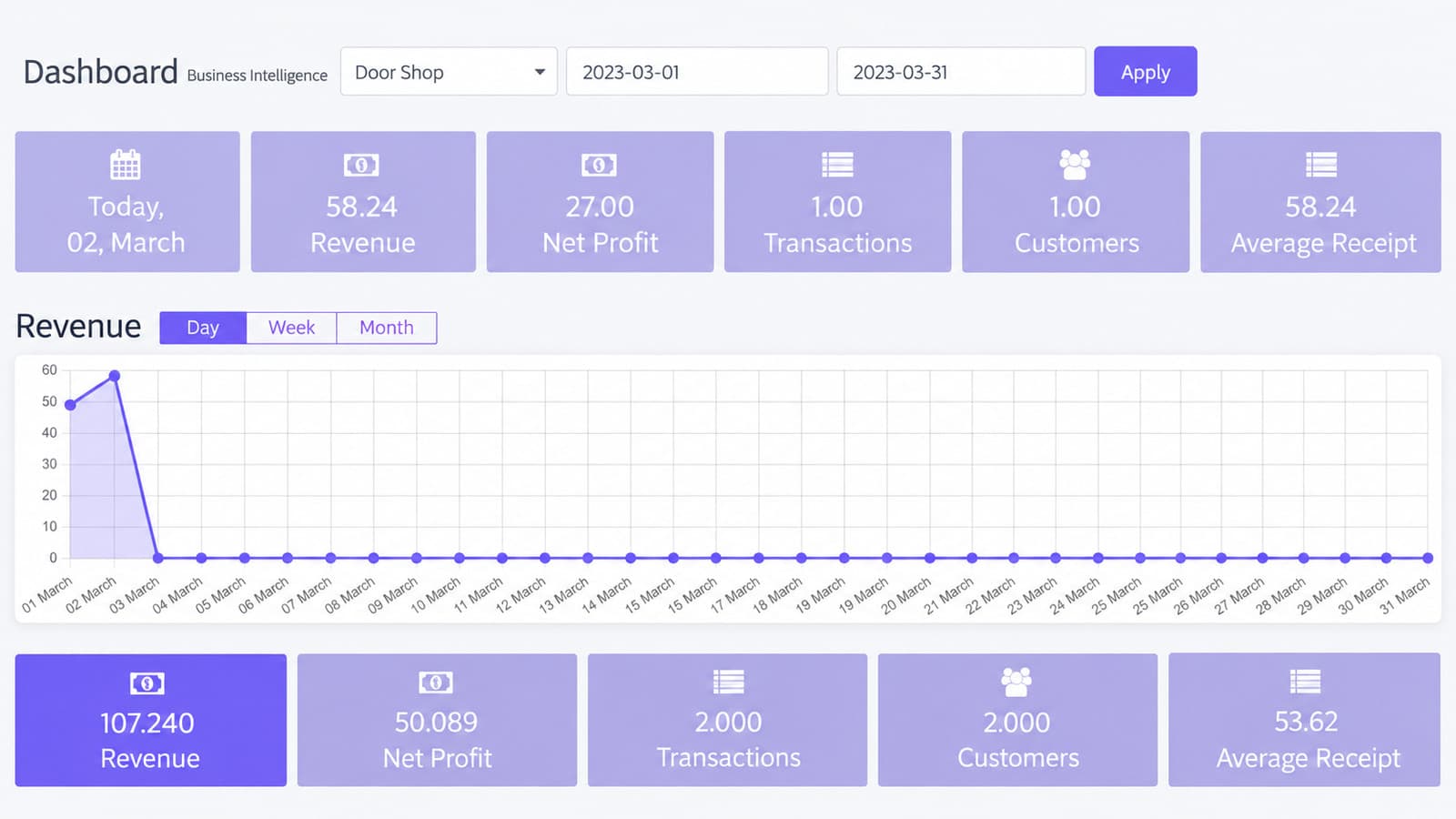
Production screens from a live deployment. Pick one to see what it does.
Screen 01
POS billing
Order entry with modifiers, split bills and offline indicator.
Who it is for
Built for operations that look like this
If yours is close but not identical, that is usually a configuration question rather than a custom build.
- 01
Single restaurants and cafés
- 02
Multi-outlet chains and franchises
- 03
Food courts and cloud kitchens
- 04
Hotel F&B operations
- 05
Any venue needing tills that survive a dropped connection
Security & data
Built to pass your IT and compliance review
Shrinkage controls
Cancellation and removal audit with staff identity.
Access control
Role-based POS, kitchen, stock and management access.
Fiscal compliance
Configurable tax rules; e-invoicing/QR requirements per region.
Offline integrity
Local transaction store with conflict-safe sync.
Deployment & licensing
Two ways to run it. Both yours to choose.
We do not publish implementation details of our platforms. What matters to your IT and procurement teams is how it is hosted, who operates it, where the data lives and what you are buying — so that is what this section answers.
Cloud — annual subscription
Hosted and operated by Kaidova on enterprise cloud infrastructure in your chosen region. Includes updates, monitoring, backups and support. Predictable yearly cost; no infrastructure to run.
Perpetual license — self-hosted
A one-time license to run the platform on your own infrastructure or private cloud, with full control over data residency and access. Implementation, training and optional support agreement from the team that built the platform.
In both models: your data is yours and exportable at any time · white-label branding at token level · custom modules and integrations available under the Extend route · documented administration and user training included in every deployment.
Integrations & compatibility
Shown because buyers need them to assess fit — none of these disclose how the platform is built.
- Offline-first with automatic synchronisation
Deploy, extend or build
- Deploy — brand, configure, launch in 4–8 weeks.
- Extend — add the modules your operation needs; upgrade path intact.
- Build — ground-up when nothing fits, reusing platform components where they save money.
See RestoraX running your menu
Bring one live case to the demo and we will walk it through the system in thirty minutes. No slide deck.
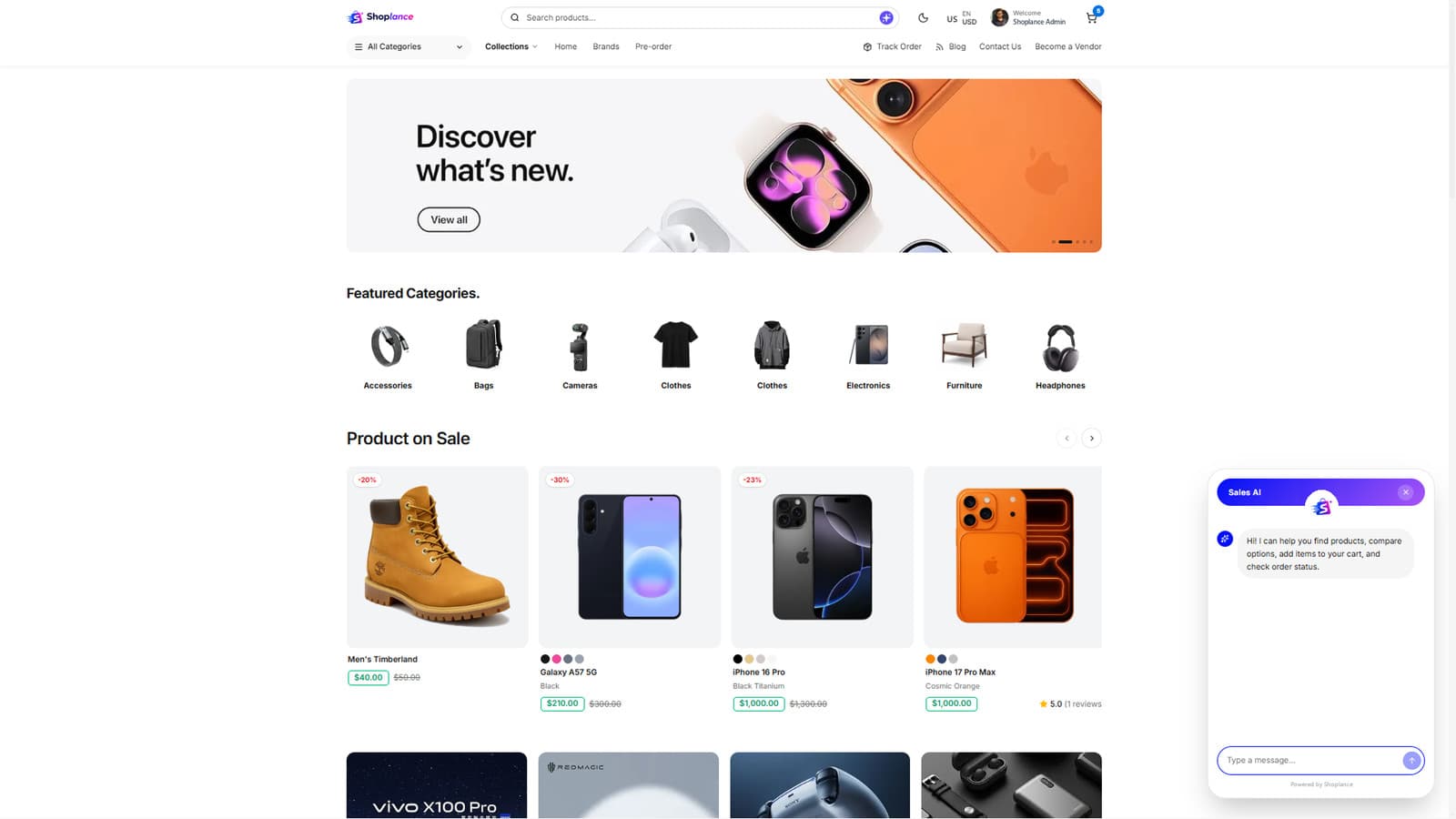

Shoplance
View platform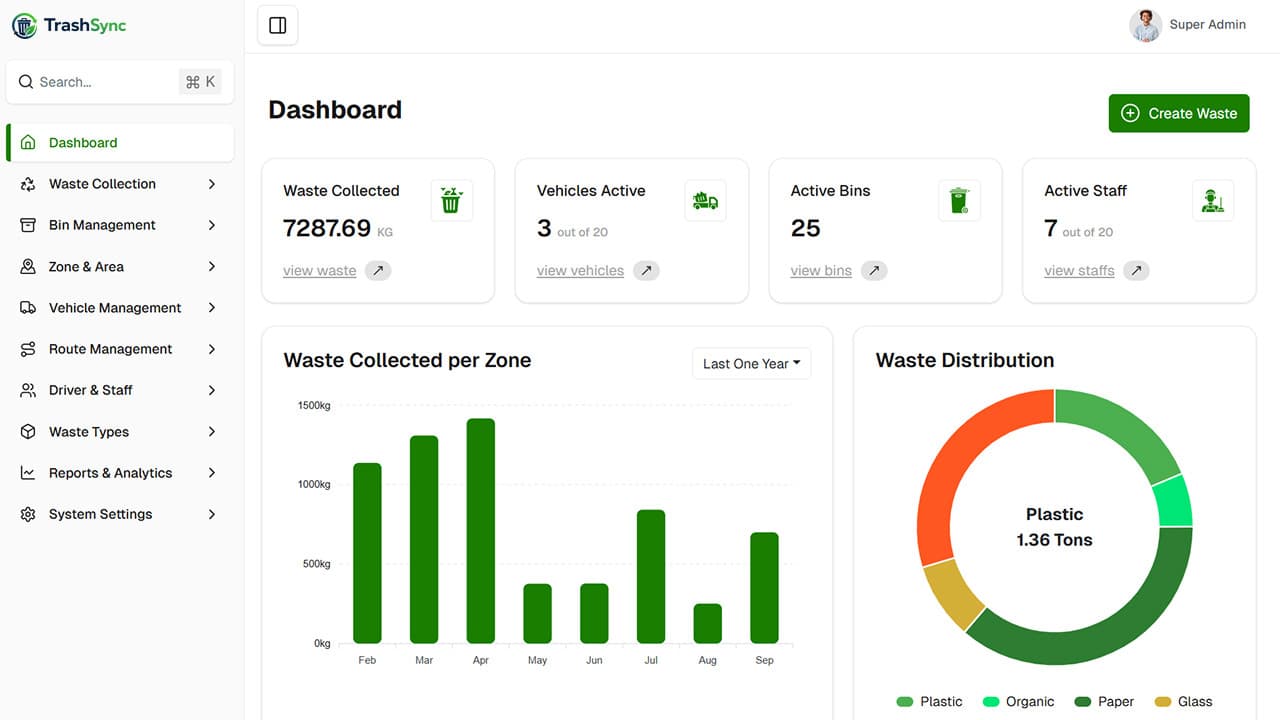
TrashSync
View platform

Docentra AI
View platform